
For a digital lectern Hong Kong, list source devices, displays, audio connections, controls, network needs and the parties responsible for each interface. Use multimedia lectern Hong Kong as a related requirements term, but compare proposed configurations against the documented AV workflow rather than the product label.
Define presentation devices for a digital lectern Hong Kong
Begin by mapping the presenter’s sources around the digital lectern Hong Kong as a system, not a box. List resident devices (PC, media player, document camera), guest inputs (USB‑C/HDMI/DisplayPort for laptops and tablets), and any wireless presentation gateway. Define the display path: projector or flat panel, any confidence monitor, and whether a return feed to a recording/streaming encoder is required. For audio, specify microphone inputs, programme audio from the PC, and how the lectern hands off to the room PA. Capture network requirements, VLANs and PoE loads for control, streaming and monitoring.
For procurement, request a device-and-I/O schedule showing connector types and counts (front, side and rear), supported resolutions/standards, and EDID/HDCP behaviour where applicable. Ask for a topology diagram showing signal, control and power paths, and who is responsible for each interface (AV, IT, facilities). Include power-outlet counts and location, UPS approach, ventilation method, and available rack units with maximum device depth. If asking for example quantities, state them as an example starting point only and require the supplier to confirm in writing. Ensure the model specification and the formal written quotation prevail if anything differs from planning notes.
Reserve worktop and service access on a digital lectern Hong Kong
Reserve a clear, durable worktop with space for paper notes, a tablet, and a keyboard/mouse without crowding auxiliary devices. Specify usable surface area (width and depth), edge protection, grommet positions and cable exit direction. If a screen or document camera sits on top, request VESA mounting details, maximum permitted device weight, and anti‑tip provisions. In some rooms, a Hong Kong option of a height‑adjustable lectern supports varied presenters; record the stroke range and control location, and confirm safety interlocks with the manufacturer.
Plan service access as carefully as the surface. Define which doors or panels are lockable, the hinge side, the opening angle, and the minimum clearance behind for maintenance. If a podium with storage is required for spares and accessories in Hong Kong, state internal dimensions, shelf adjustability and ventilation. Check building logistics early: note doorway width, corridor turns and goods‑lift car size; use a taped floor template to validate turning circles on site. Any dimension you note should be treated as an example starting point and confirmed against the supplier’s packaged size and weight. In Hong Kong’s humid rooms, request corrosion‑resistant hardware and ensure intake/exhaust paths are not blocked when the lectern is parked.
What should buyers compare for digital lectern Hong Kong?
| Criterion | Straightforward requirement | More complex requirement | Evidence to provide |
|---|---|---|---|
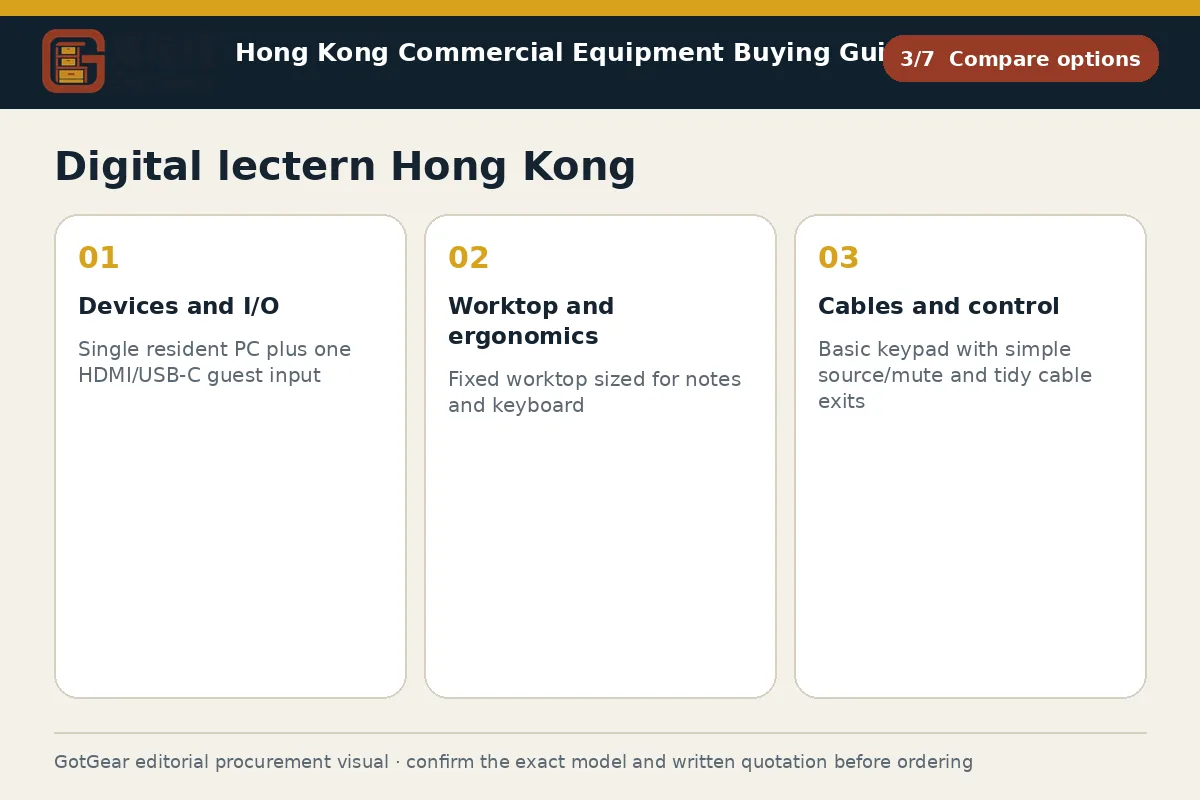
| Devices and I/O | Single resident PC plus one HDMI/USB‑C guest input | Multiple resident devices, wireless gateway and multi‑format I/O with return feeds | Provide a device list with connector types, counts and preferred locations |
| Worktop and ergonomics | Fixed worktop sized for notes and keyboard | Document camera, monitor arm and adjustable height with safety interlocks | Submit a scaled layout with usable area, VESA data and example device footprints |
| Cables and control | Basic keypad with simple source/mute and tidy cable exits | Touch panel, lockouts, labelled presets and segregated umbilical to floorbox | Attach control page mock‑ups, wiring diagram and spare‑capacity allowance |
| Service access and ventilation | Single lockable door and passive airflow | Multiple service panels, fan‑assisted cooling and tool‑less access features | State clearance needed, airflow direction and maintenance approach |
| Mobility and site constraints | Local room use with levelling feet | Inter‑room use on castors with parking dock and cable tether plan | Share access-route measurements, packaged dimensions and turning templates |
This framework helps buyers create comparable written enquiries. Final model specifications, availability, delivery and commercial terms must be confirmed in a formal quotation.
Plan controls and cable routes in a digital lectern Hong Kong
Controls must be predictable, secure and labelled for mixed public and hosted events. Decide between a touch panel, a hard‑button keypad, or both, and specify lockout methods (key switch, PIN, RFID) and which functions remain active during unattended use. Provide a list of named presets and the sources each calls, plus indicator lights or on‑screen confirmations. For a podium-with-microphone scenario in Hong Kong, state microphone types (gooseneck/handheld), power requirements, mute logic, and how priority overrides behave with the room PA or DSP.
Cable routes should keep strain off device ports and avoid trip hazards. Define an umbilical path to a floorbox or wallplate, segregation of mains and data, bend‑radius limits, and tie‑down points. Request internal cable management features: brush grommets, lacing bars, and numbered labels aligned to the wiring diagram. Ask the vendor for an as‑built schematic, termination schedule and spare capacity plan; a 10–20% slack allowance is an example starting point, to be confirmed by the installer. In facilities with frequent cleaning, require strain relief at user-access panels and recessed connectors. Ensure that power distribution, earthing, and any electrical modifications are reviewed by a competent party if required by the venue. The model specification and written quotation prevail.
Digital lectern Hong Kong and multimedia lectern Hong Kong: Compare the briefs
Compare options against the actual AV workflow rather than the product name. For example, consider a multimedia lectern in Hong Kong. Your brief may emphasise recording and streaming encoders, capture cards and additional preview displays, while a simpler switch‑and‑present station prioritises fast BYOD hand‑off. Map out must‑have and nice‑to‑have functions across sources, switching, displays, audio and control. If mobility matters, assess whether a mobile podium is a better fit for reconfigurable rooms, and list constraints on cable tethering, docking points and storage bays.
When requesting quotations, provide a function‑by‑function matrix and ask vendors to indicate compliance or deviations line by line. Request a proposed rack elevation, an estimated heat load and airflow direction, plus the anticipated control pages for review. Note any requirements for bilingual labelling and presenter guidance cards. Ask for manufacturer datasheets, user manuals and authority or insurer approvals where the specific model, building or event operator requires them. Compare the logistics, including packaged dimensions, access‑route drawings and protection during delivery. Before award, require a test plan covering basic power‑up, source switching, audio routing and network registration, and confirm who will witness sign‑off. Specify that written quotations and the final model datasheet take precedence over draft briefs.
Digital lectern Hong Kong decision checklist
Start with a device map covering sources, displays, audio paths, controls and network interfaces, then assign responsibility for each connection between AV, IT and facilities. Measure the lectern location, worktop reach and access clearances, and compare them with packaged delivery size, goods‑lift limits and doorway widths. Specify surface dimensions, grommet positions, lock types, rack units, ventilation paths and maximum device depths. Request a wiring diagram, proposed control layouts, bilingual labels and a cable schedule with identified spare capacity. Ask vendors to declare deviations from your matrix and to confirm power distribution, PoE budgets and earthing arrangements when relevant to the model and venue. At delivery, inspect for transit damage, verify serial numbers, accessories, keys and casters/brakes, then power‑test basic switching and audio muting. Where the building or insurer requires sign‑off, obtain the applicable documentation from the competent contractor or manufacturer.
Practical action sequence
- Operating use, quantity and expected frequency
- Dimensions, capacity, material and accessory requirements
- Delivery address, floor, goods lift and loading window
- Required documents, acceptance checks and after-sales arrangements
Apply the checks to your Hong Kong site
Hong Kong venues often impose tight logistics: narrow corridors, small goods‑lifts and short loading windows coordinated through a management office. Build a simple access plan with measured doorways, lift cars and turning paths, and confirm with the building manager before scheduling delivery. Humidity and salt air can affect metalwork and connectors, so specify corrosion‑resistant finishes and adequate ventilation. For public events and shared classrooms, bilingual control labels and clear preset naming reduce support load. Where electrical changes or penetrations are proposed, consult the venue and competent contractors on what documentation they require. This is operational guidance; always follow the final model specification and the supplier’s written quotation.
Questions about digital lectern Hong Kong
How do we choose between a built-in PC and guest BYOD inputs?
Decide based on teaching or presentation style. If sessions rely on institution-locked software or recording, an integrated PC with managed updates helps. If presenters rotate and arrive with laptops, prioritise robust USB‑C/HDMI inputs and a fast source handoff. Many sites specify both; confirm port types, security controls and who maintains each device in the written brief and quotation.
What worktop size should we allow for documents, a keyboard and a visualiser?
Treat it as a layout exercise. A 1,000 mm by 600 mm work surface is an example starting point; test with a taped template, your visualiser footprint and a keyboard/mouse to check reach and sightlines. Confirm the usable area, grommet positions, anti‑tip measures and maximum load with the supplier, and ensure the quotation and final model datasheet govern.
Do we need height adjustment for inclusive access?
Height adjustment improves comfort for seated and standing presenters, and for varied body sizes. If you specify it, record the stroke range, control placement and safety interlocks, and confirm electrical rating and service access. Where budgets or platforms limit complexity, select fixed heights that fit typical users and document the rationale; a trial with frequent presenters is recommended.
What should we check on receipt before the installer leaves site?
Inspect the cabinet for dents, loose panels and missing keys, then verify serial numbers against the delivery note. Confirm accessories (shelves, power leads, grommets), caster locks, levelling feet and that doors open to the required angle. Power‑test a basic source switch, mic mute and screen control. Ensure manuals and labelling sets are present; photograph any issues and note them on the delivery record.
Compare available product models and specifications
These product cards are matched to this buying topic. Select a specification and quantity to send the product details to WhatsApp.
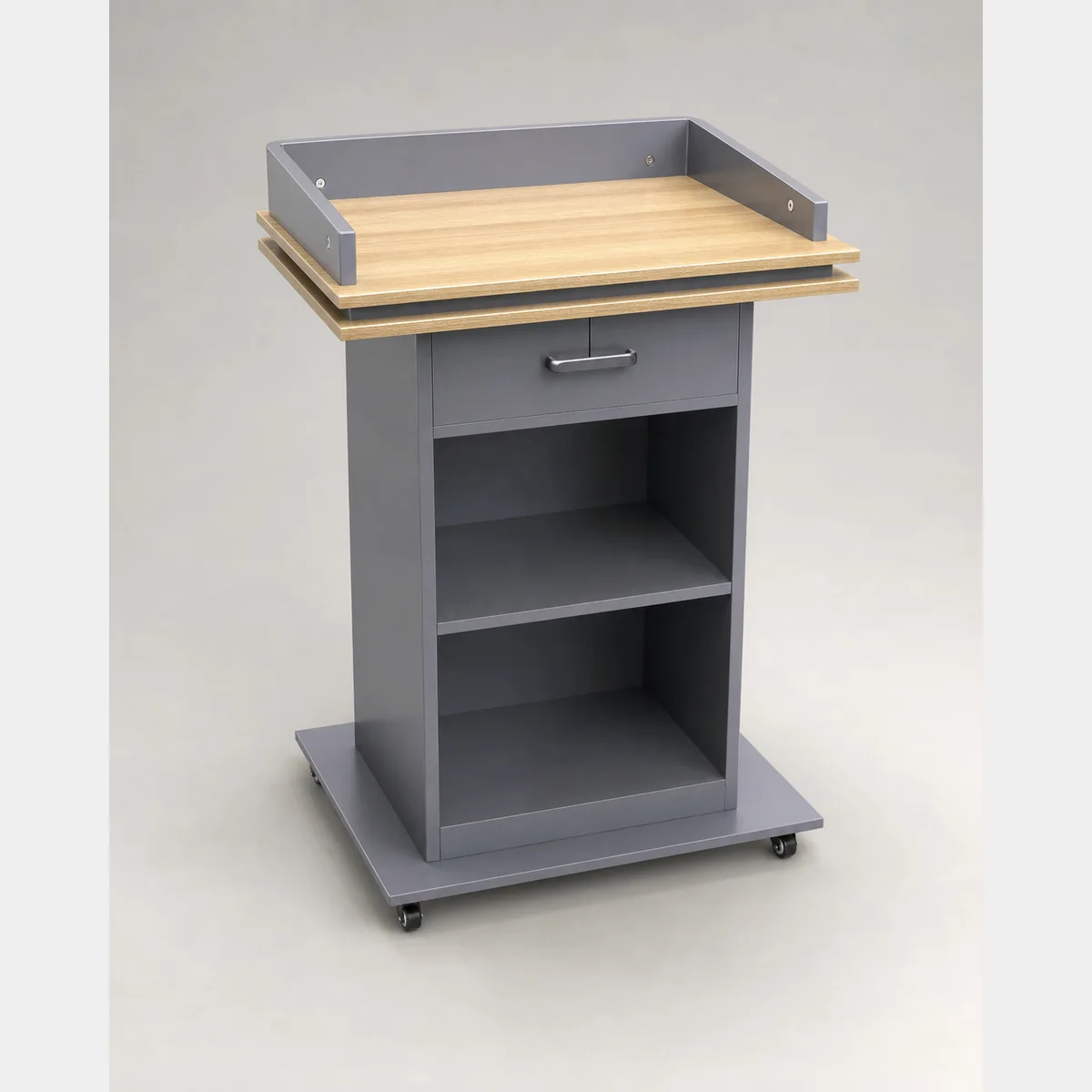 Display & Crowd ControlProduct reference image
JA2001 Lectern
Lectern — Without castors: W60xH108 cm; With castors: W60xH106.5 cm. Formal quotation available upon request based on use, specifications and quantity.
- Without castors
- W60xH108 cm
- With castors
- W60xH106.5 cm
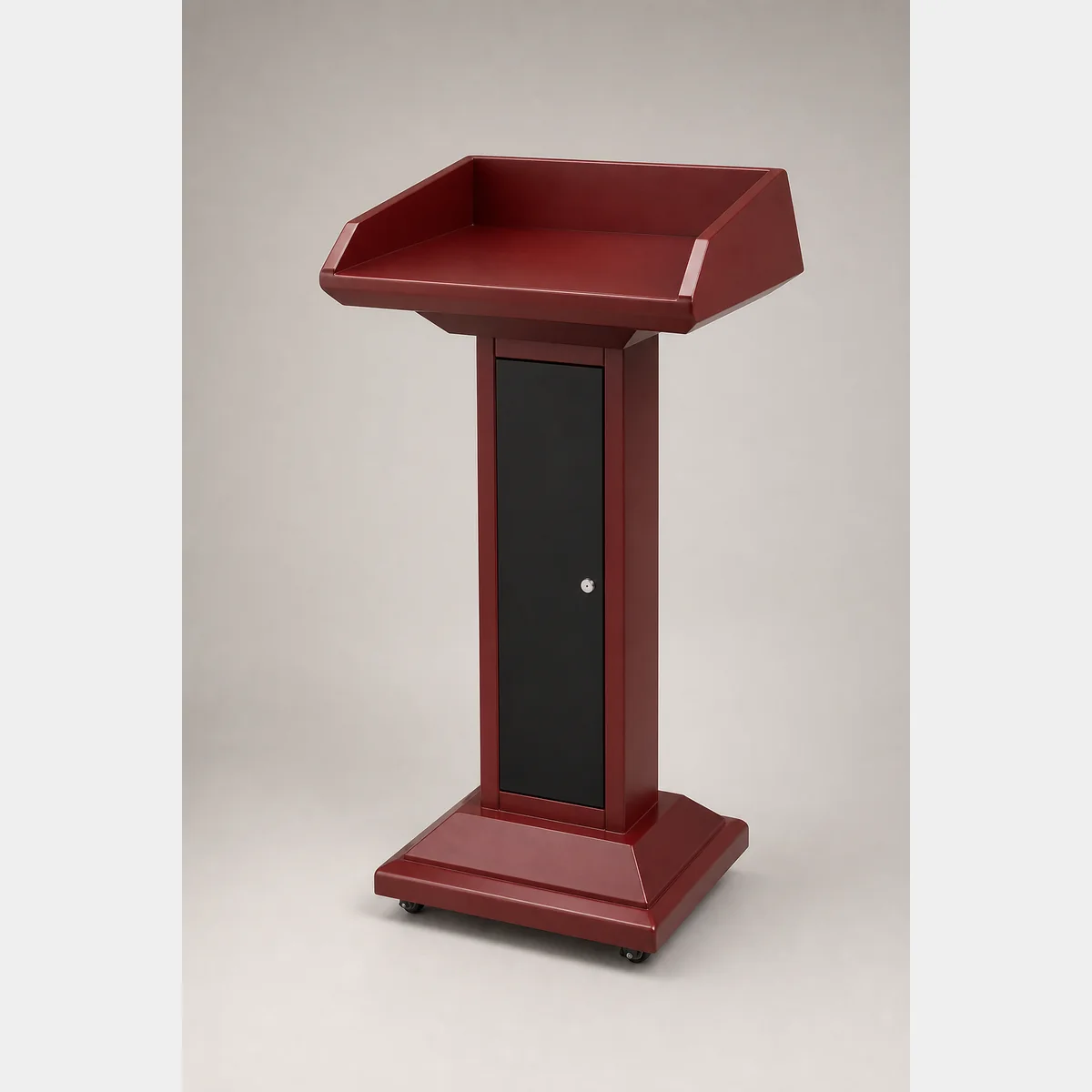 Display & Crowd ControlProduct reference image
Lectern
Lectern. Dimensions/Specification: L620xW420xH1150 mm; Suitable for: schools, churches, hospitals, restaurants, hotels, police academies, etc.; Material: steel. For a formal quotation, enquire with intended use, specifications and quantity.
- Dimensions/Specification
- L620xW420xH1150 mm
- Suitable for
- schools, churches, hospitals, restaurants, hotels, police academies, etc.
- Material
- steel
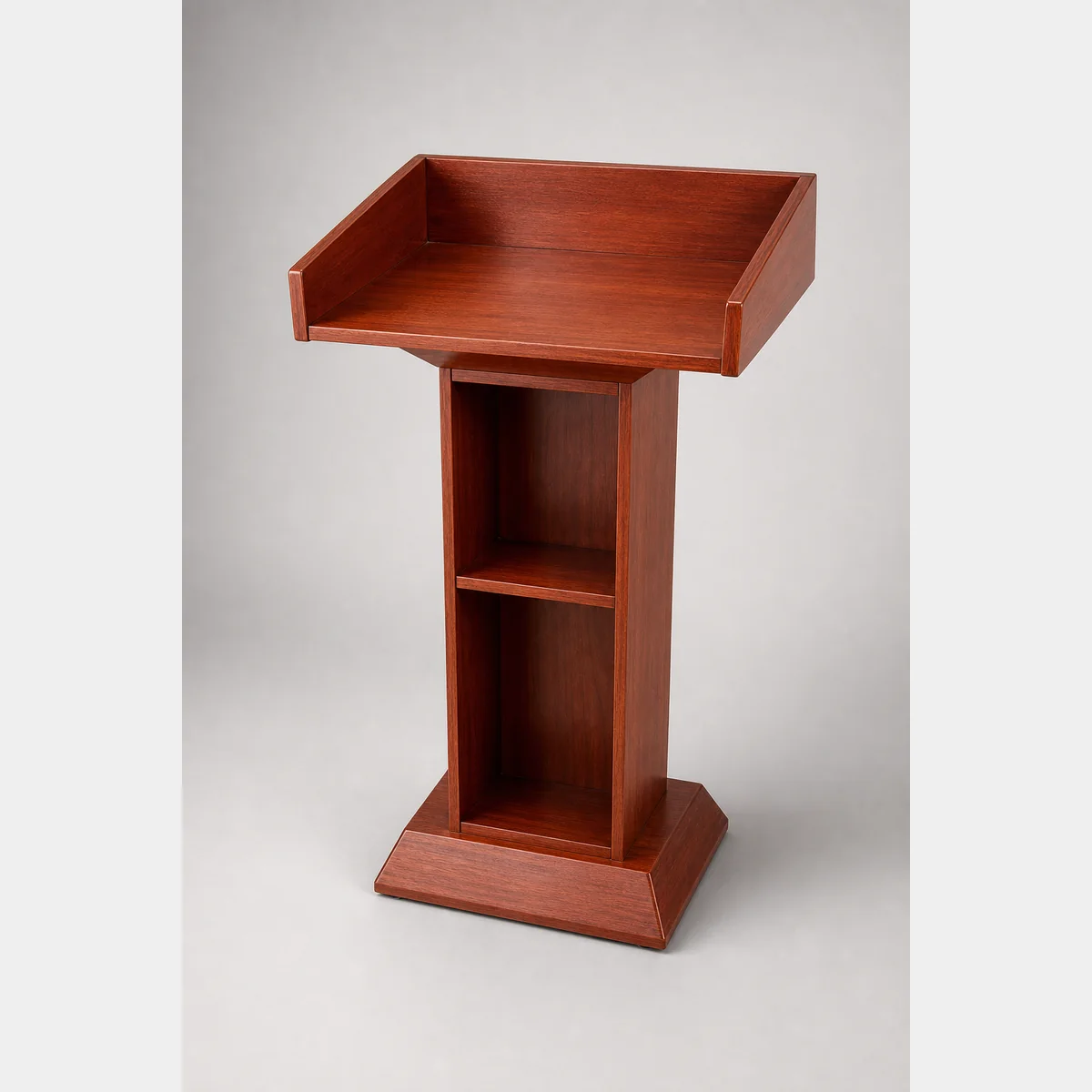 Display & Crowd ControlProduct reference image
Lectern
Lectern, Size/Spec line: L600xW440xH1130 mm/L60xW44xH112 cm. Formal quotation available based on use, specifications and quantity.
- Size/Spec line
- L600xW440xH1130 mm / L60xW44xH112 cm
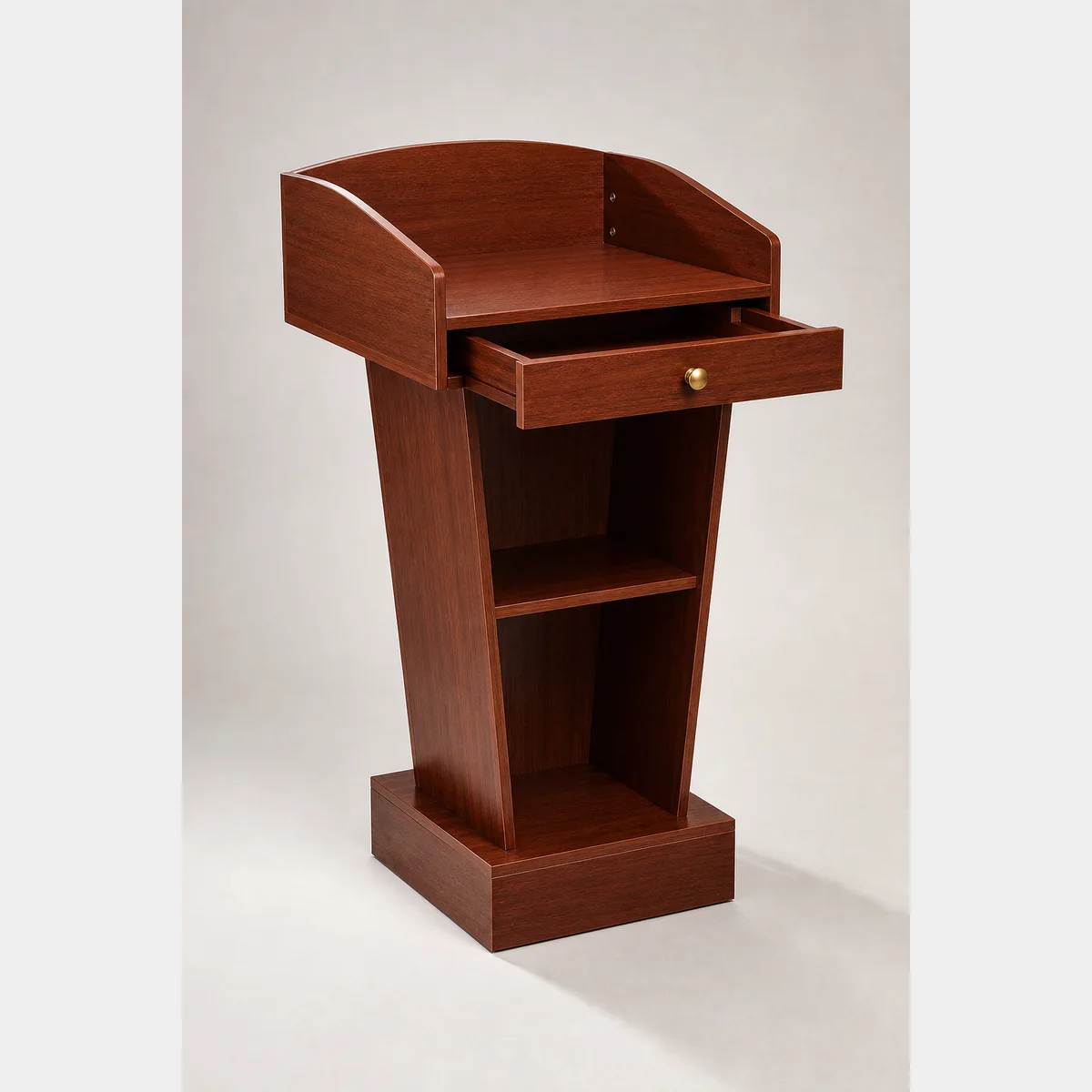 Display & Crowd ControlProduct reference image
Lectern
Lectern, dimensions/spec row: L60xW38.5xH115 cm / L60xW44xH113 cm. Request a formal quotation based on application, specifications and quantity.
- Dimensions/spec row
- L60xW38.5xH115 cm / L60xW44xH113 cm
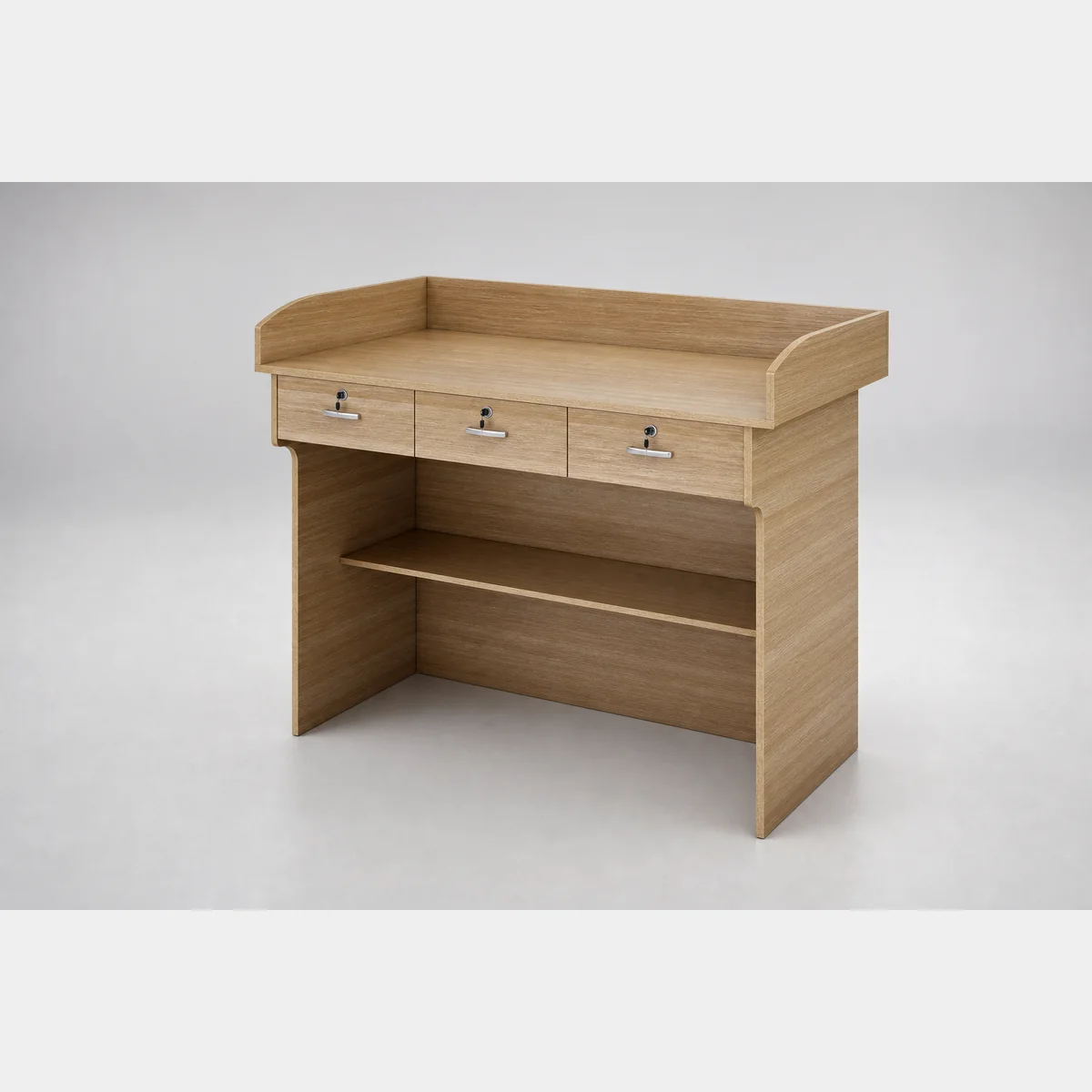 Display & Crowd ControlProduct reference image
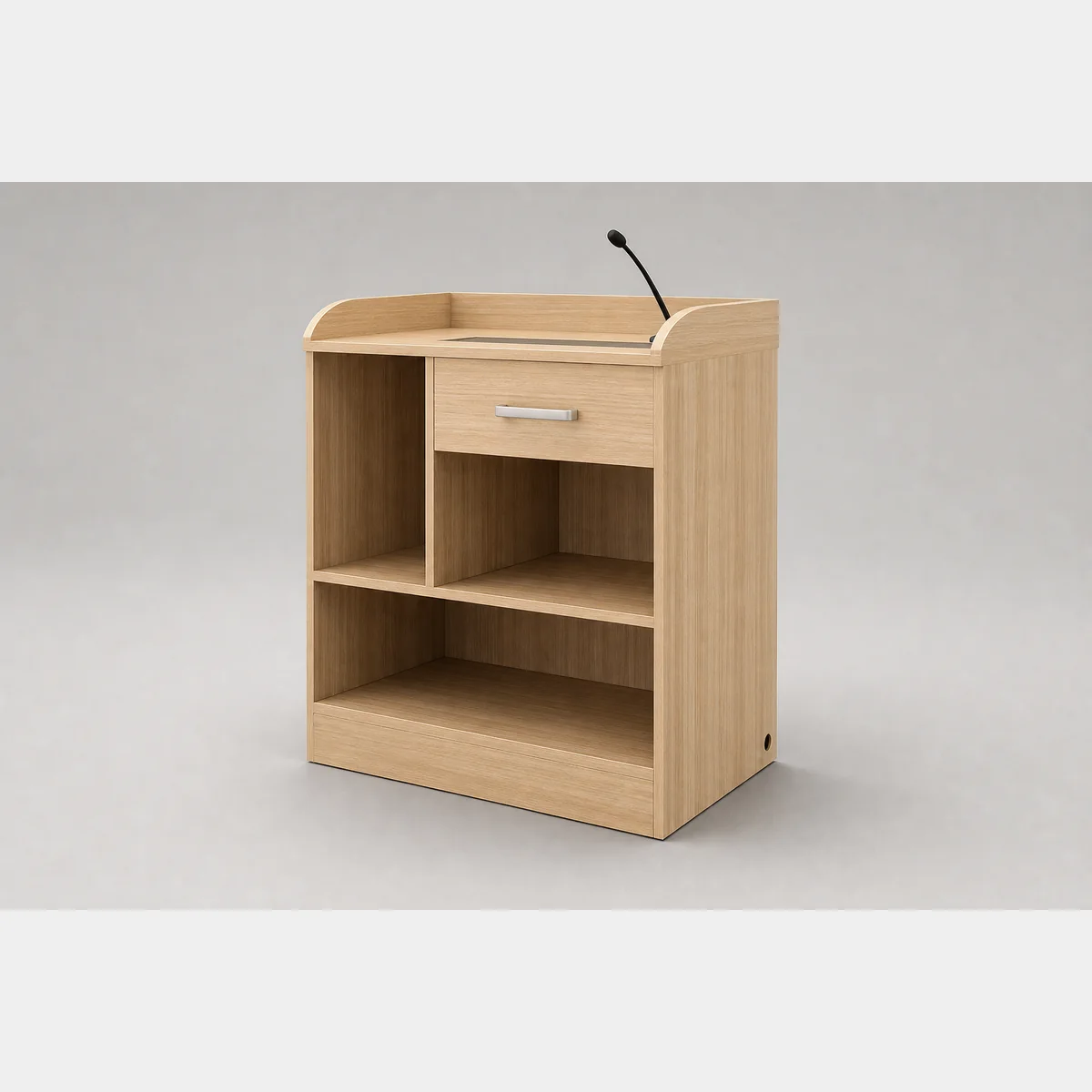
Multi-purpose Lectern
Multi-purpose lectern, A: L80xW60xH106 cm; B: L120xW60xH106 cm; C: L150xW60xH106 cm. Formal quotation available based on use, specifications and quantity.
- A
- L80xW60xH106 cm
- B
- L120xW60xH106 cm
- C
- L150xW60xH106 cm
 Display & Crowd ControlProduct reference image
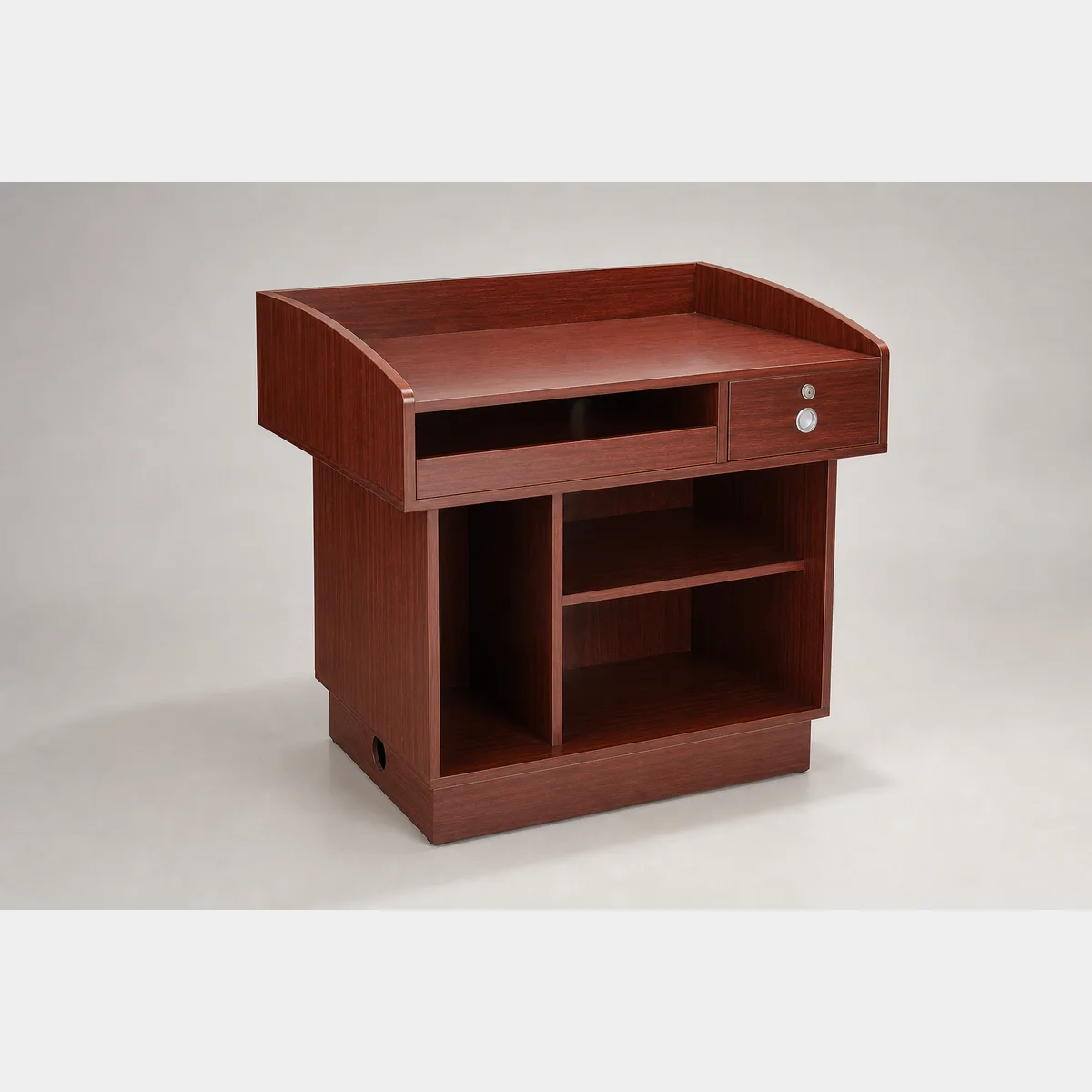
Multi-purpose Lectern
Multi-purpose lectern. HA94002-A: L80xW40xH100 cm. HA94002-B depth requires written confirmation because source records conflict between 40 cm and 50 cm.
- HA94002-A
- L80xW40xH100 cm
- HA94002-B
- HA94002-B depth requires written confirmation because source records conflict between 40 cm and 50 cm.
 Display & Crowd ControlProduct reference image
Multipurpose Lectern
Multipurpose Lectern, dimensions/specs: L97xW68.5xH94 cm; suitable for multiple uses: schools, churches, hospitals, hotels, seminars, etc. Formal quotation available based on use, specifications and quantity.
- Dimensions/Specifications
- L97xW68.5xH94 cm
- Suitable / Uses
- schools, churches, hospitals, hotels, seminars, etc.
 Display & Crowd ControlProduct reference image
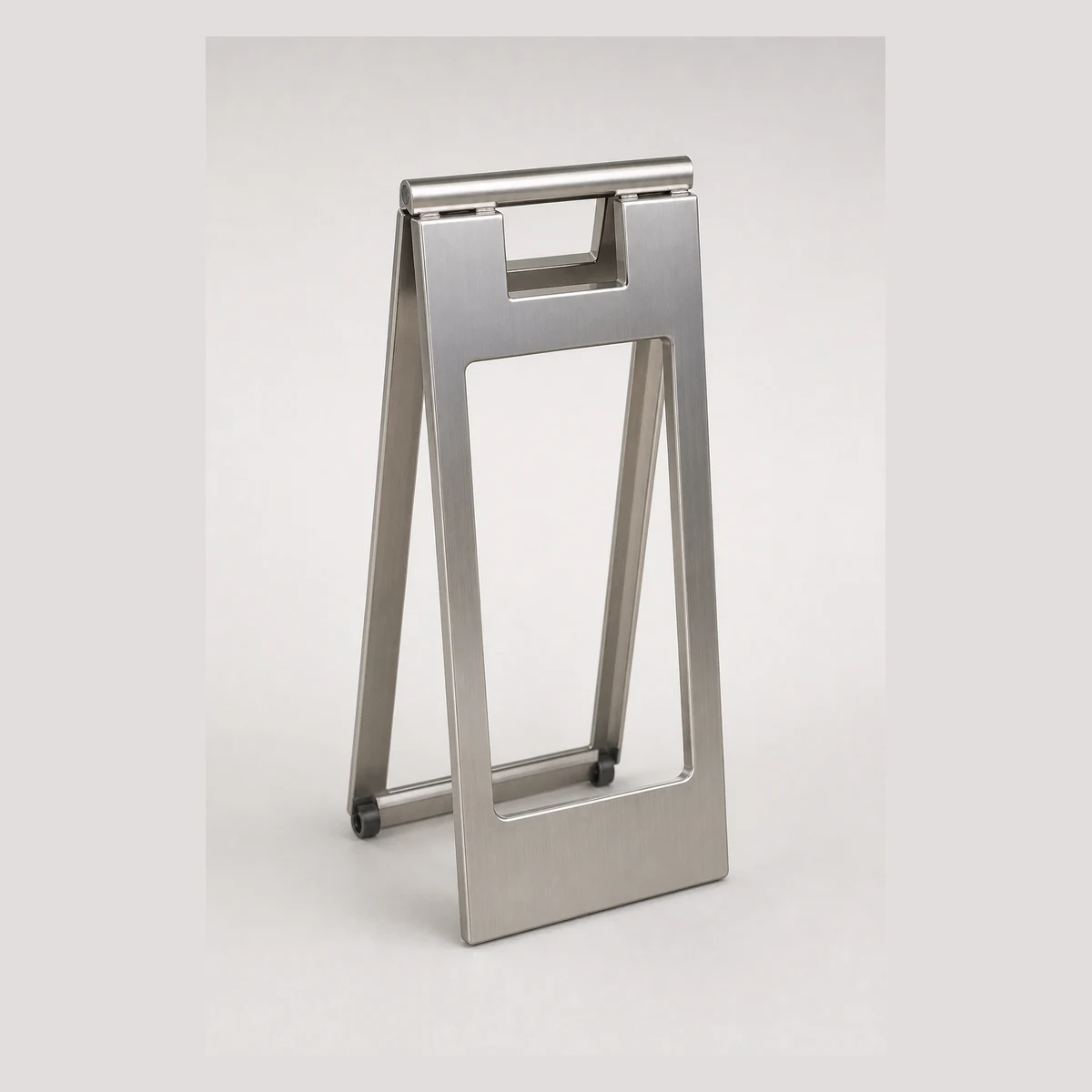
A-frame Notice Signs and Bases
A-frame notice signs and sign bases series with multiple model options and sizes, e.g. JD1003-A W220xH600mm, JD1003-B W245xH565mm and JD1003-F W220xH700mm. Enquire with GotGear for written confirmation based on the application, specification and quantity.
- Model codes
- JD1003-A / JD1003-B
- Dimensions (W x H)
- W220xH600mm / W245xH565mm
Continue with closely related procurement topics
These pages share equipment, operating or decision-stage signals with this guide.
Mobile podium Hong Kong
Choose a mobile podium Hong Kong by checking dimensions, doorway and lift access, castors and brakes and adjustment range. Compare a height adjustable lectern Hong Kong with GotGear to confirm fit and function.
Read the guide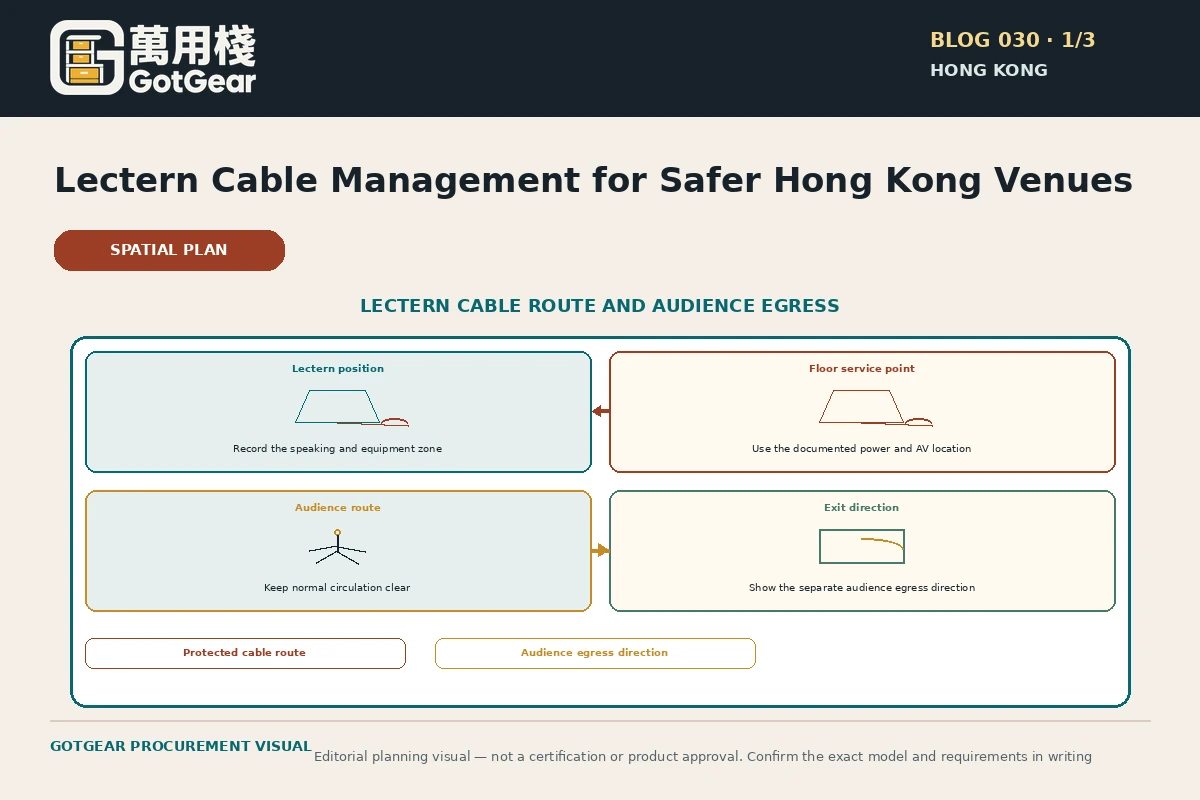
Lectern cable management Hong Kong
GotGear explains lectern cable management Hong Kong for Hong Kong buyers. See how podium cable management Hong Kong supports presentation lectern power layout Hong Kong, with practical checks, evidence boundaries and written requirements.
Read the guide
Gridwall panel dimensions Hong Kong
Plan precise installations using gridwall panel dimensions Hong Kong: measure each unit's usable width, height and approach space, and record supports, skirtings and door swings to refine retail layouts with GotGear.
Read the guide
Slatwall panels Hong Kong
Explore slatwall panels Hong Kong with GotGear. We compare panel formats, groove layouts, panel dimensions and accessory compatibility to help you plan a slatwall display system Hong Kong.
Read the guideRelated topic indexOpen more English procurement pages2 topics
Browse additional equipment families, applications and procurement questions relevant to these operating requirements.