
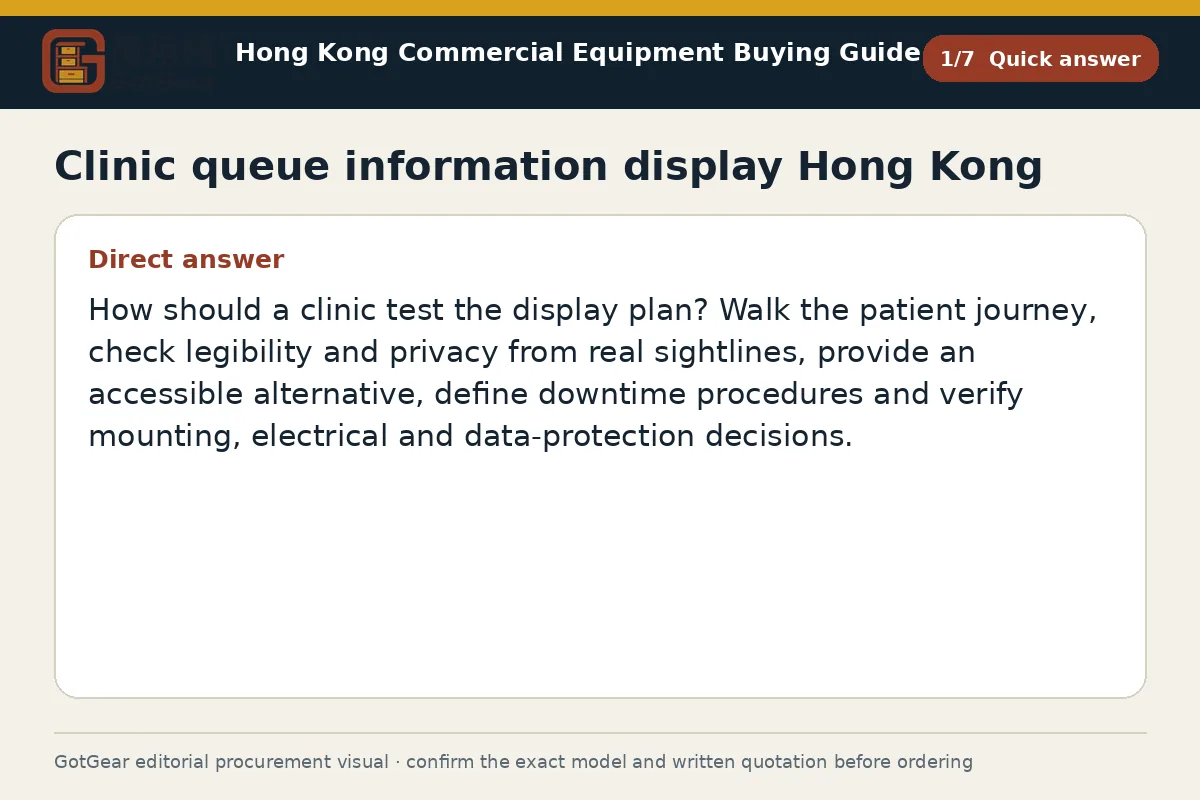
How should a clinic test the display plan? Walk the patient journey, check legibility and privacy from real sightlines, provide an accessible alternative, define downtime procedures and verify mounting, electrical and data-protection decisions.
Clinic queue information display Hong Kong — Prioritise the next patient decision
Prioritise the patient’s very next action at every stage. On arrival, clearly show where to take a ticket, which counters accept new registrations, and what documents are required. At check-in, confirm the queue number format, the expected calling method (screen, audio or staff), and whether payment or referral slips are required before consultation. In the waiting zone, limit content to the token, room or counter and clear movement prompts, and avoid medical details. For consultation hand-offs, keep corridor and door displays minimal so that only the called patient can identify the room.
Specification
- The data fields to display are: token; assigned counter/room; and estimated time to be called (ETA), if available.
- Bilingual presentation must use the line order Chinese then English, and a clear, legible sans-serif font pairing with a consistent hierarchy between token, location and prompts.
- Call logic must support first-come sequence, priority cases or clinician-initiated calls, and the active rule must be evident to patients without exposing personal information.
- Record sightlines and typical viewing distances from seated and standing locations. Require suppliers to propose character heights and layout options that remain legible at those distances; any example figures provided during design are starting points only and must be confirmed in writing.
- Specify operating hours, typical ambient light levels, humidity range and the cleaning regime so suppliers can propose an enclosure, brightness, finish and IP rating—if any—that suit the site.
- If the queuing route is being reconfigured, align the display plan with crowd-management and queue-layout considerations specific to Hong Kong.
- Confirm the data connection method (standalone player, LAN or approved Wi‑Fi).
This specification covers a clinic queue information display in Hong Kong. Teams can standardise across floors once the content rules are settled first.
Clinic queue information display Hong Kong — Protect privacy and provide alternatives
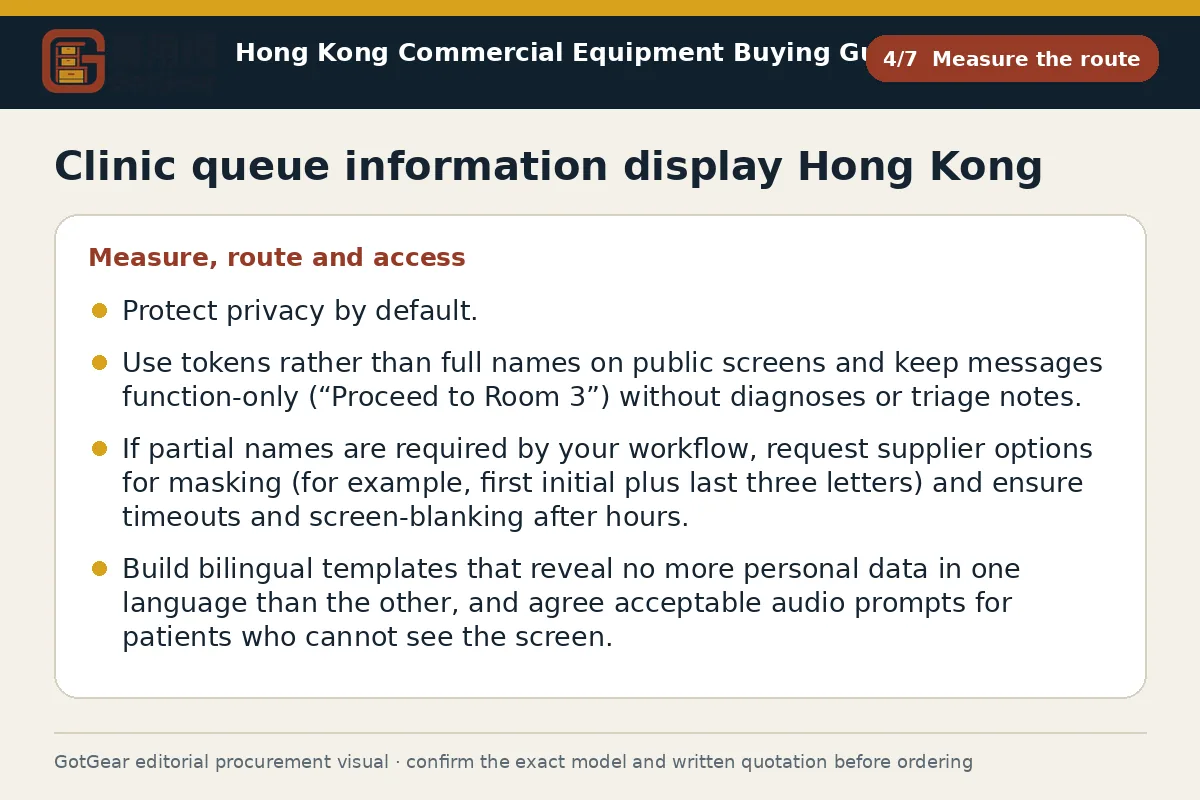
Protect privacy by default. Use tokens rather than full names on public screens, and keep messages function-only (for example, “Proceed to Room 3”) without diagnoses or triage notes. If your workflow requires partial names, ask suppliers for masking options (for example, first initial plus last three letters), and ensure timeouts and screen‑blanking after hours. Build bilingual templates that do not disclose more personal data in one language than in the other, and agree on acceptable audio prompts for patients who cannot see the screen.
Provide accessible, non-digital alternatives for outages and for patients with low vision or different language needs. Provide simple printed counter directions in a tabletop sign holder for Hong Kong sites. Teams can deploy these at check-in, and clinics can use durable acrylic sign holders for Hong Kong sites near lifts and corridors to keep people moving when systems are down. In procurement, ask vendors to state role-based access, user audit logs, local data caching behaviour, and any encryption on player devices. Seek written confirmation from your institutional data controller that the template and update process are acceptable under your policies and Hong Kong privacy expectations; where needed, obtain building-management and clinical-governance sign-offs before installation. Model specifications and the formal written quotation prevail.
What should buyers compare for clinic queue information display Hong Kong?
| Criterion | Straightforward requirement | More complex requirement | Evidence to provide |
|---|---|---|---|
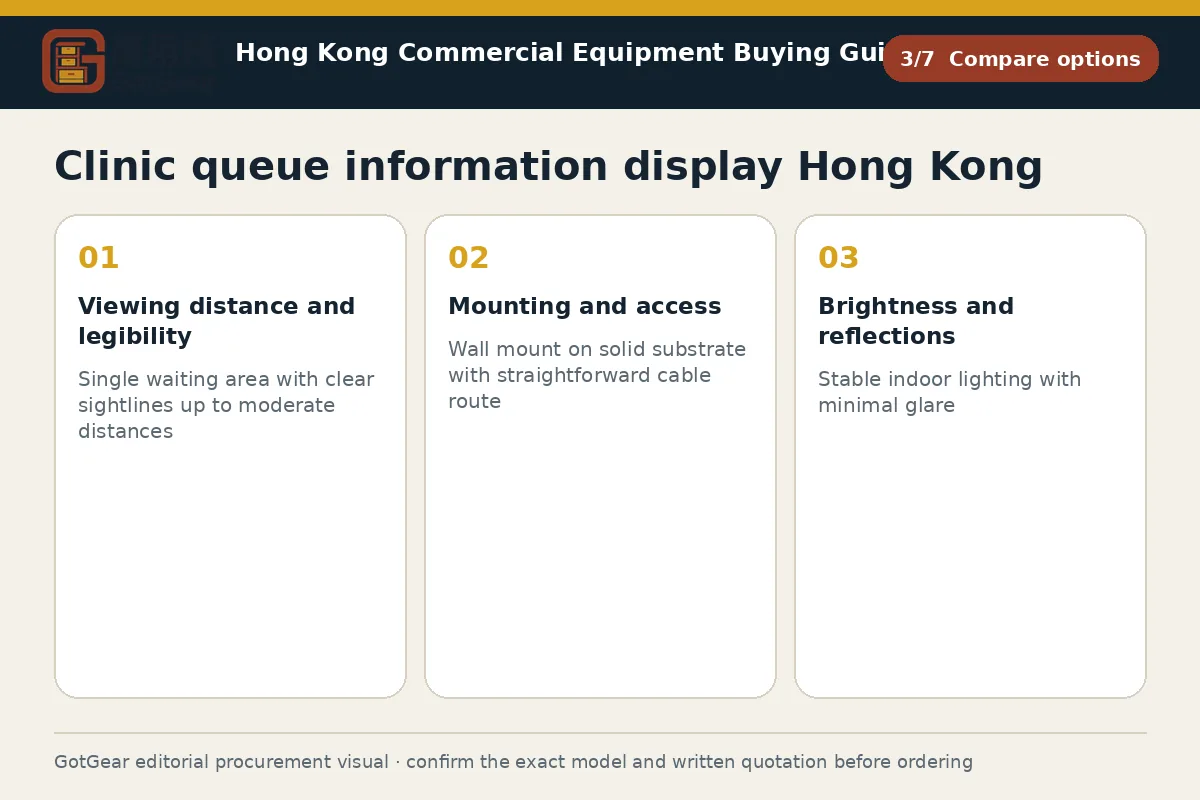
| Viewing distance and legibility | Single waiting area with clear sightlines up to moderate distances | Multiple zones, obstructions or long corridors with varied viewing distances | Provide floor plan with measured distances and photos; request sample bilingual layout sized to your distances (example starting point to be confirmed in writing) |
| Mounting and access | Wall mount on solid substrate with straightforward cable route | Glass/partition walls, ceiling mounts or mobile cart; restricted drilling or concealed cabling | State wall/ceiling material, fixings policy, and goods‑lift/doorway clearances; include building‑manager consent correspondence |
| Brightness and reflections | Stable indoor lighting with minimal glare | Bright atrium/daylight and reflective surfaces needing higher brightness and anti‑glare treatment | Submit time‑of‑day photos and, if available, approximate lux readings as a starting point; ask supplier to propose finish and brightness in writing |
| Data updates and integration | Local player with manual token updates by staff | Link to clinical/queue system via API or message feed with role‑based control | Describe update owner, network availability, security constraints, and any interface documentation for supplier review |
| Privacy and audit | Token‑only display, no names on public screens | Masked names, staff‑only views, audit logs and timed screen blanking | Provide draft templates, privacy rationale approved by data controller, and retention expectations for logs, if any |
This framework helps buyers create comparable written enquiries. Final model specifications, availability, delivery and commercial terms must be confirmed in a formal quotation.
Clinic queue information display Hong Kong — Test sightlines, language and legibility
Test with real sightlines before you approve artwork or order brackets. Walk the patient journey at busy and quiet times, sit in edge seats and stand behind columns to confirm where displays are actually visible. Capture distances and heights on a marked plan, and request a supplier mock‑up showing bilingual text and token sizes at those distances; an example starting point is to size characters using a per‑metre legibility rule, but confirm the final figure in writing once your floor plan and fonts are fixed.
Check glare, daylight and reflections at several times of day. Ask for brightness and anti‑glare/anti‑reflective options suited to your ambient light, and request sample content played on a demo unit if possible. Verify mounting feasibility against wall substrate and available fixings, and confirm the goods‑lift and doorway clearances required to move screens and mounts through older buildings. If queue barriers are adjusted, review queue barrier emergency exit clearance Hong Kong, and address the associated considerations so displays and posts never obstruct egress.
Language matters. Validate Chinese and English line lengths do not truncate, that numerals and room labels are consistent with door plates, and that any audio prompt is intelligible in a live waiting room. Provide the vendor with a photo pack, a floor plan with dimensions, and a brief describing bilingual copy rules. Where the queue route changes, coordinate the display locations with your crowd management queue layout Hong Kong, and also with your queue plan and with property‑management approvals for cabling routes.
Clinic queue information display Hong Kong — Assign updates and downtime procedures
Assign clear ownership for updates, monitoring and downtime. Name the role that advances the queue, who edits ticker messages, and who confirms daily start‑of‑day checks (screen power, network, time sync). Define the escalation path for freezes or mismatches between the display and clinical system, and specify a manual fallback: printed counter numbers, a whiteboard, and a pre‑agreed calling script that respects privacy. Keep a small kit on site—spare remote, labelled power adaptor, cleaning microfibre—and a protected location for replacement content files.
In procurement, ask vendors to state offline behaviour (local cache, last‑known queue), manual override options, remote management, firmware update method, and a basic support response description. For wall or ceiling mounts, request product data sheets, example load data as a starting point, and a method statement for fixings; confirm with your building manager if an engineering review is required. On receipt, inspect model and serials against the quotation, verify bracket pattern and fasteners, check for transit damage, power on to confirm bilingual fonts render correctly, and document any issues before acceptance. If equipment sits in a humid area, agree a cleaning and inspection routine suited to your site.
Clinic queue information display Hong Kong decision checklist
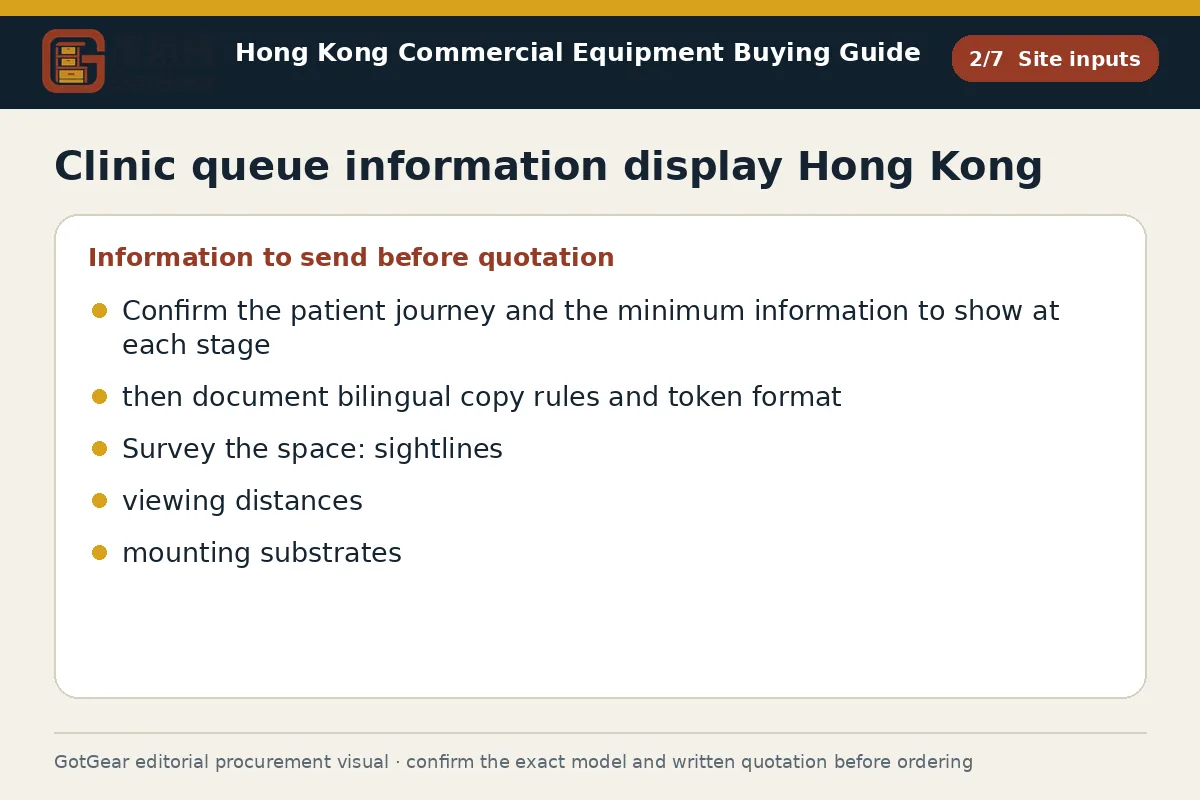
Confirm the patient journey and the minimum information to show at each stage, then document bilingual copy rules and token format. Survey the space: sightlines, viewing distances, ambient light, mounting substrates, power/network points, and goods‑lift and doorway clearances. Provide a floor plan, photo pack and operating hours. Request quotations that specify screen size, brightness/finish, player type, mounting method, data‑integration/update method, privacy features and support inclusions. Compare like‑for‑like layouts and evidence of legibility at your distances. Before ordering, obtain property‑management and internal approvals for fixings, data handling and cabling. On delivery, check model/serials, brackets and fasteners, damage, power‑on, and bilingual font rendering. Any example figures are starting points only; model specifications and the formal written quotation prevail.
Practical action sequence
- Operating use, quantity and expected frequency
- Dimensions, capacity, material and accessory requirements
- Delivery address, floor, goods lift and loading window
- Required documents, acceptance checks and after-sales arrangements
Apply the checks to your Hong Kong site
Hong Kong clinics often operate in mixed‑use towers with tight goods‑lifts, short loading windows and strict property‑management controls. Expect to book lift access, provide worker lists in advance, and submit drawings for wall penetrations and cable runs. Screens near glazing may face intense daylight and humidity, so confirm brightness and finishes suit your lobby. Bilingual Chinese/English messaging is normal; align templates with your institution’s language policy. For personal data on displays, seek internal privacy approval; this is operational guidance, not legal advice.
Questions about clinic queue information display Hong Kong
Should we show names or only token numbers on the queue display?
Use token numbers wherever possible to minimise personal data on public screens. If your workflow demands names, use partial formats and ensure short timeouts and clear screen‑blanking after hours. Agree the template with your data controller and record the rationale in your display plan. Obtain written confirmation that the approach aligns with your institutional privacy policies.
How many screens and what size do we need for our waiting room?
Base the decision on real sightlines and viewing distances, not a generic rule. Walk the route, measure distances and test a mock‑up with bilingual content. As a starting point only, larger characters are needed at greater distances, but confirm final sizes in the supplier’s written proposal once your floor plan and fonts are fixed.
Can building access and management rules affect installation timing?
Yes. Many Hong Kong buildings require advance booking of goods‑lifts, worker lists, and approvals for wall fixings and cabling. Some have specific loading dock windows. Share these constraints early and request the supplier’s method statement. Coordinate with the management office to avoid peak tenant hours and to clarify debris removal and noise limits before work begins.
How do we compare quotations for integrated queue systems versus simple signage screens?
Line up like‑for‑like fields: screen size/brightness, mounting method, player type, update workflow, privacy controls, support scope, and any integration with your clinical system. Ask for a sample bilingual layout rendered at your measured distances. Confirm exactly what is included in delivery and training. Choose on evidence of legibility, reliability and fit to your governance processes.
Compare available product models and specifications
These product cards are matched to this buying topic. Select a specification and quantity to send the product details to WhatsApp.
 Display & Crowd ControlProduct reference image
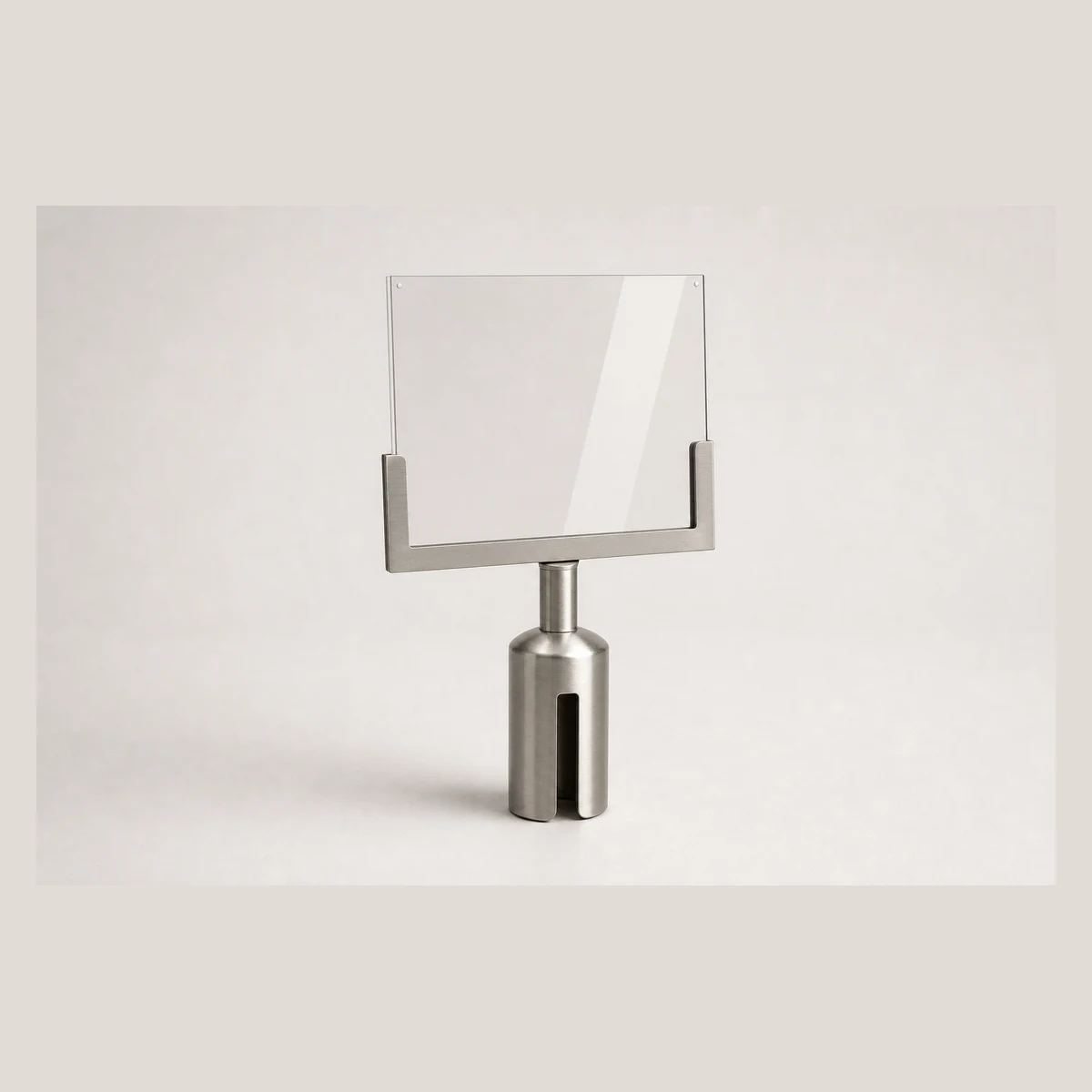
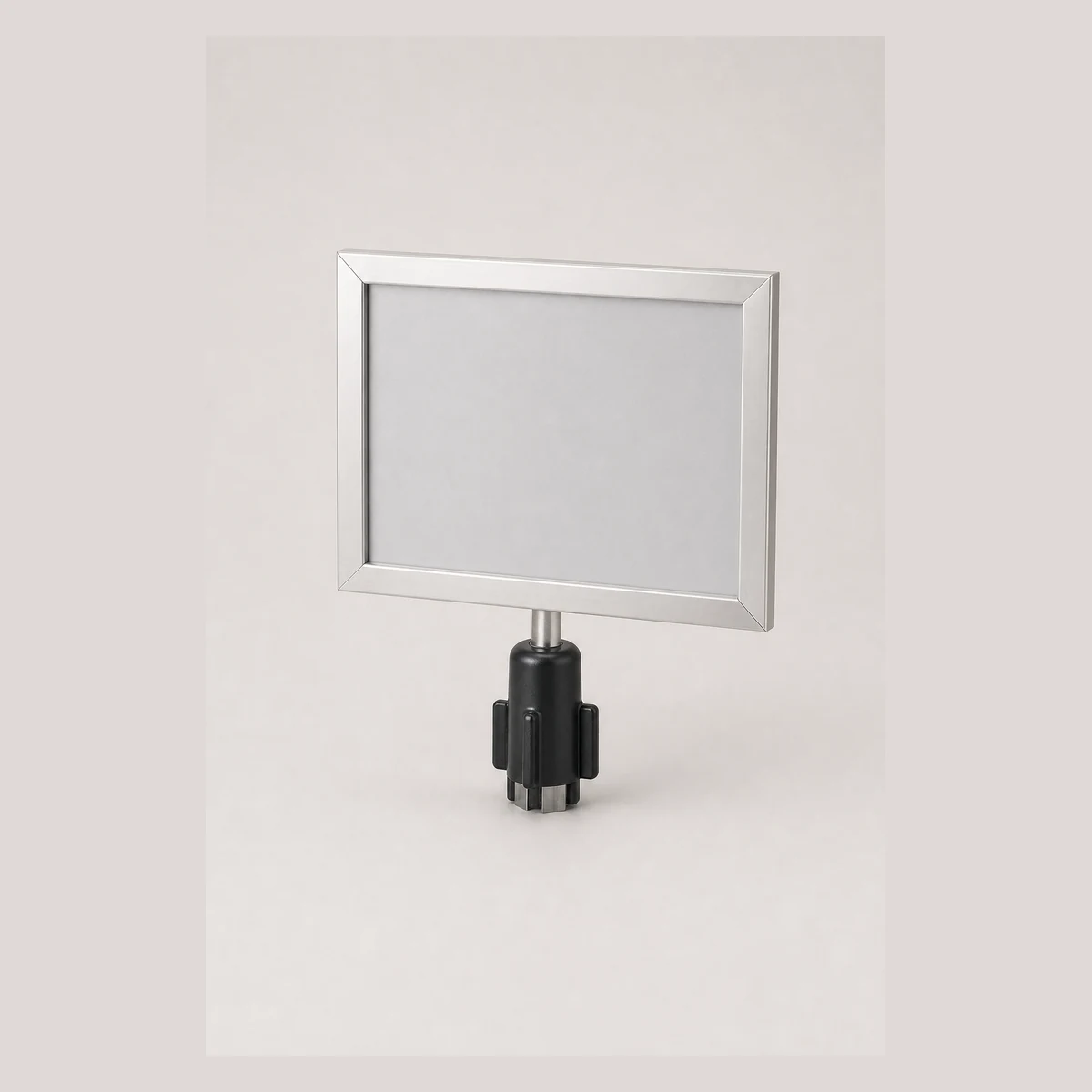
Queue post sign insert (U-shaped)
Queue post sign insert for horizontal A4 signage; available as U-shaped stainless steel (JRA5102-A, 300x360mm) and U-shaped black (JRA5102-B). Enquire with GotGear for written confirmation based on the application, specification and quantity.
- Model
- JRA5102-A / JRA5102-B
- Sign panel size
- 300x360mm / Specification requires written confirmation
- Orientation
- Horizontal / Horizontal
 Display & Crowd ControlProduct reference image
Queue post/ Stanchion
Queue post for crowd control with a 900MM-high post; rope length 1.5/m and rope ends in red and. Enquire with GotGear for written confirmation based on the application, specification and quantity.
- SKU
- S8706
- Product name
- Queue post/ Stanchion
- Product family
- queue-posts-signs
 Display & Crowd ControlProduct reference image
Queue-post Sign Insert
Queue-post sign inserts for A4 and A3, available in stainless-steel or black panels. A4 stainless outer 375x265xH410mm with visible area 220x330mm; compatible with posts JRA5104, JRA5105, JRA5106. Enquire with GotGear for written confirmation based on the application, specification and quantity.
- Model
- JRA5101-A / JRA5101-B
- Applicable paper size
- A4 / A4
- Panel material/ Colour
- Stainless-steel / Black
 Display & Crowd ControlProduct reference image
Silk-screen Printed Belt for Queue Posts
Silk-screen printed belt for retractable queue posts, model S8709. Custom silk-screen logo printing is available and print artwork can be coordinated as required. Enquire with GotGear for written confirmation based on the application, specification and quantity.
- Model
- S8709
- Product category
- Silk-screen printed belt
- Intended use
- Retractable queue posts
 Display & Crowd ControlProduct reference image
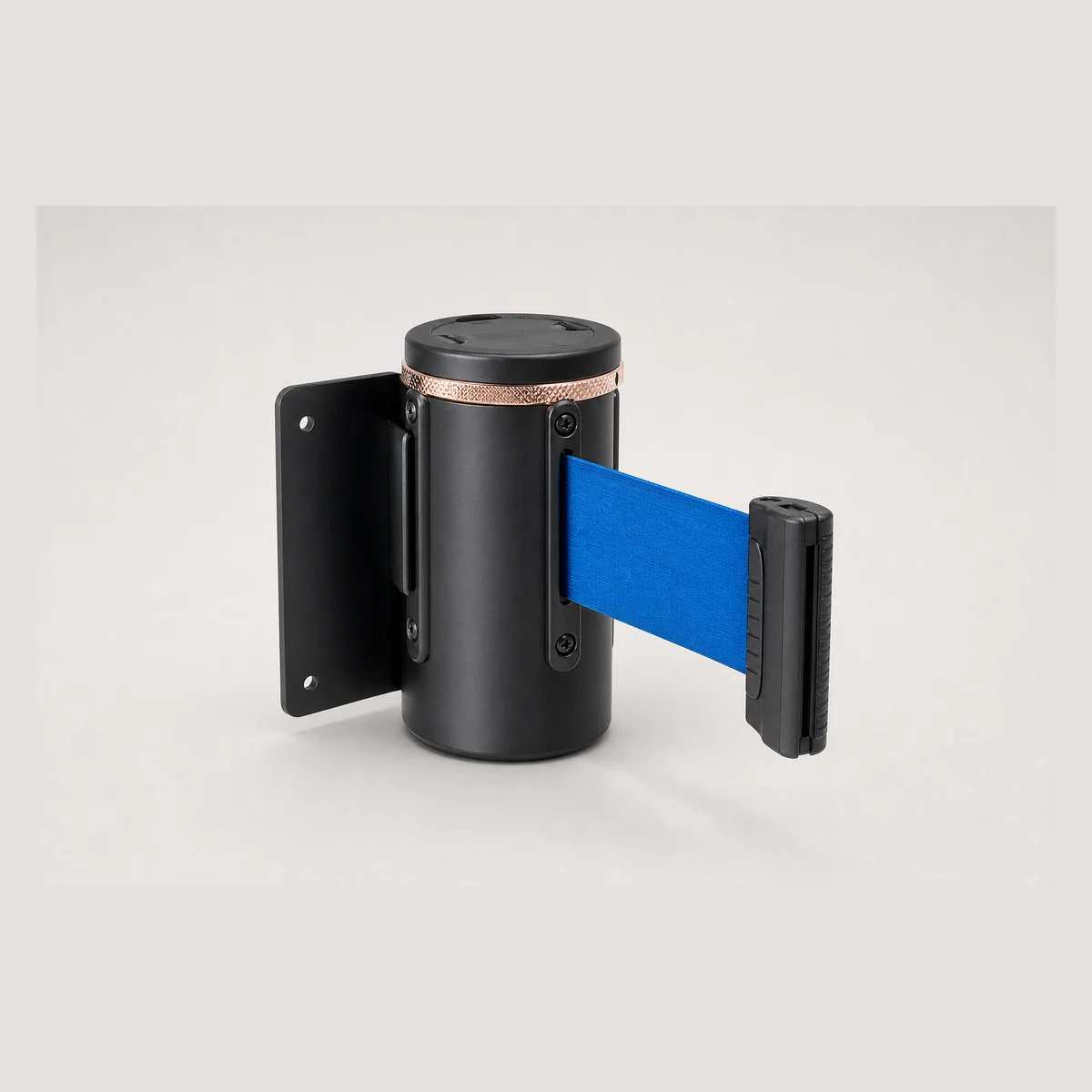
Wall-mounted Retractable Belt
Wall-mounted retractable belt for queue and access control, available with black, silver or gold head and belt lengths of 2 m, 3 m or 5 m. Custom logo/text printing available. Enquire with GotGear for written confirmation based on the application, specification and quantity.
- Model/ SKU
- JRA5108
- Category
- Wall-mounted retractable belt
- Head colours
- black / silver
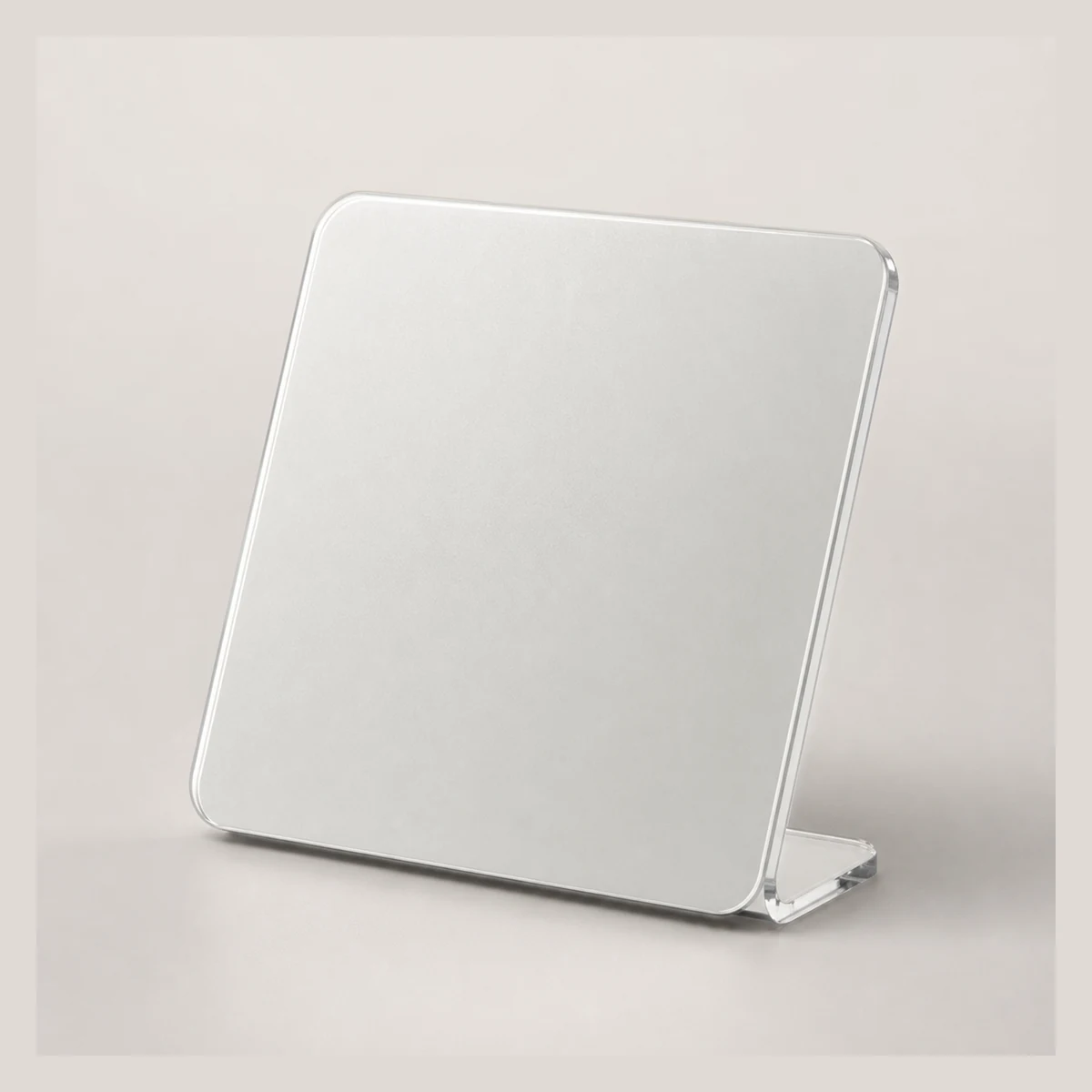 Display & Crowd ControlProduct reference image
Acrylic display sign
Acrylic display sign made from acrylic sheet with a sticker backing, size 100 X 100MM; suitable for labelling and small displays. Enquire with GotGear for written confirmation based on the application, specification and quantity.
- SKU
- S8311
- Material
- Acrylic sheet, sticker backing
- Dimensions
- 100 X 100MM
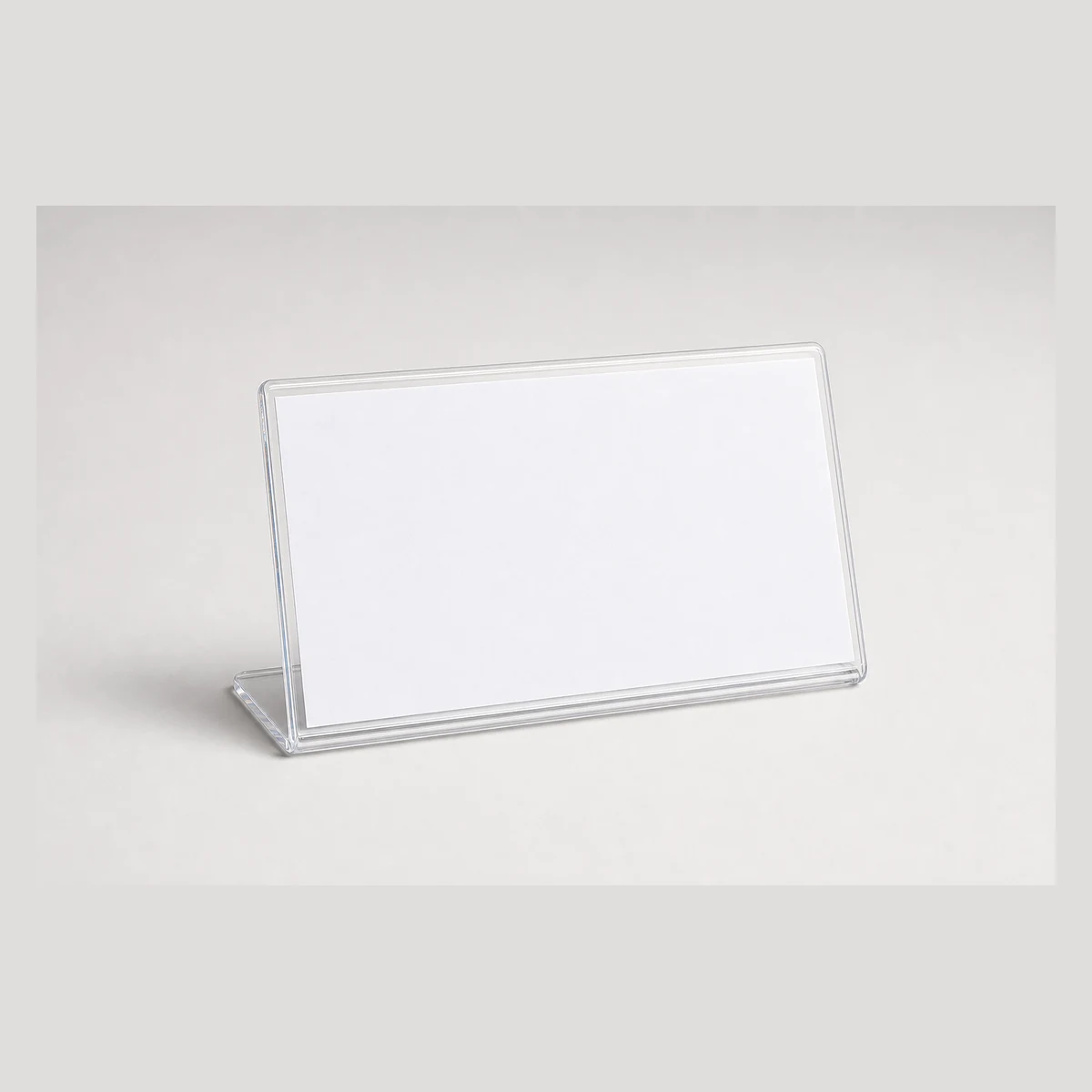 Display & Crowd ControlProduct reference image
Acrylic Display Sign
Acrylic display sign for counter or retail displays; material: acrylic sheet with sticker backing, size: 200 X 99MM. Enquire with GotGear for written confirmation based on the application, specification and quantity.
- Model/SKU
- S8306
- Material
- acrylic sheet, sticker backing
- Size
- 200 X 99MM
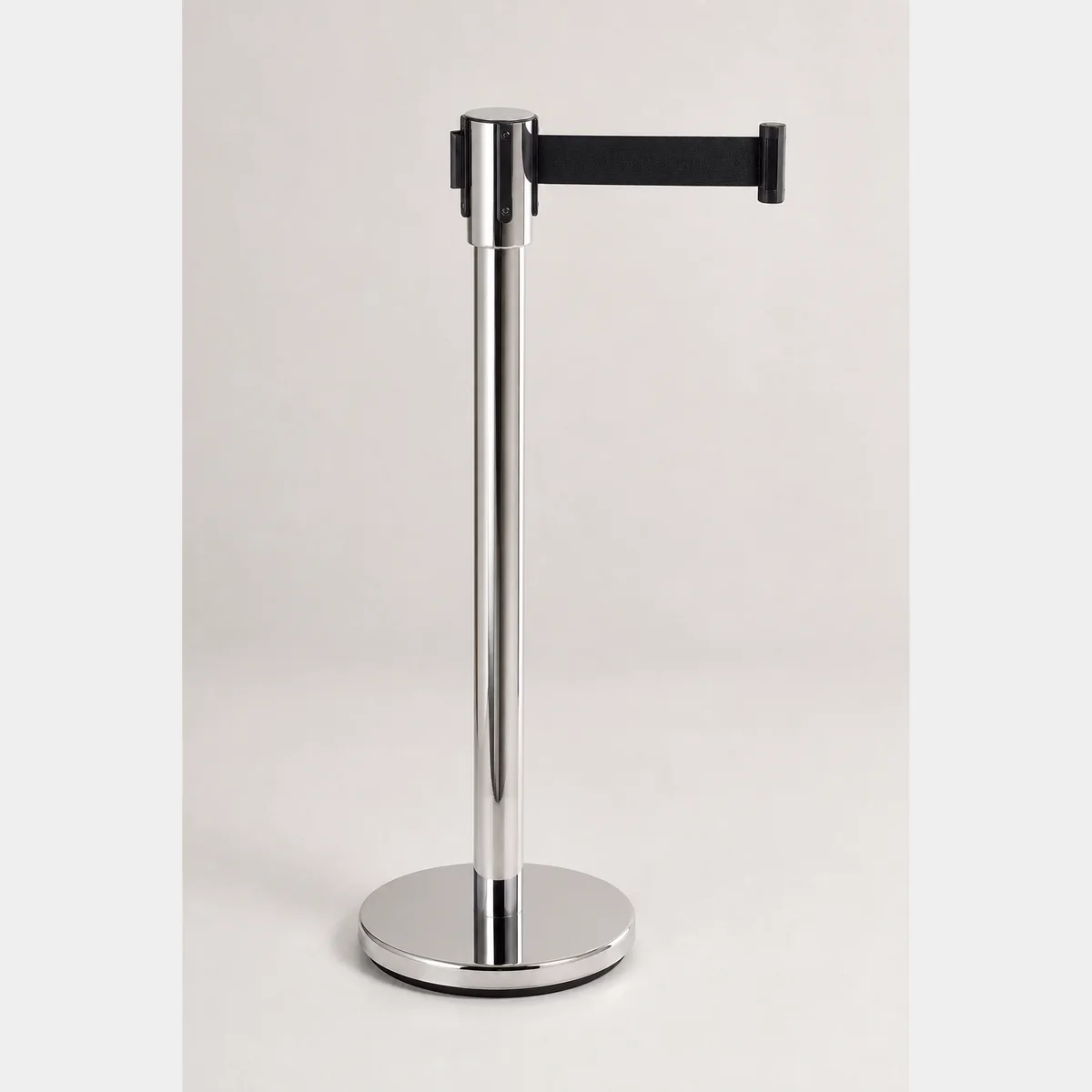 Display & Crowd ControlProduct reference image
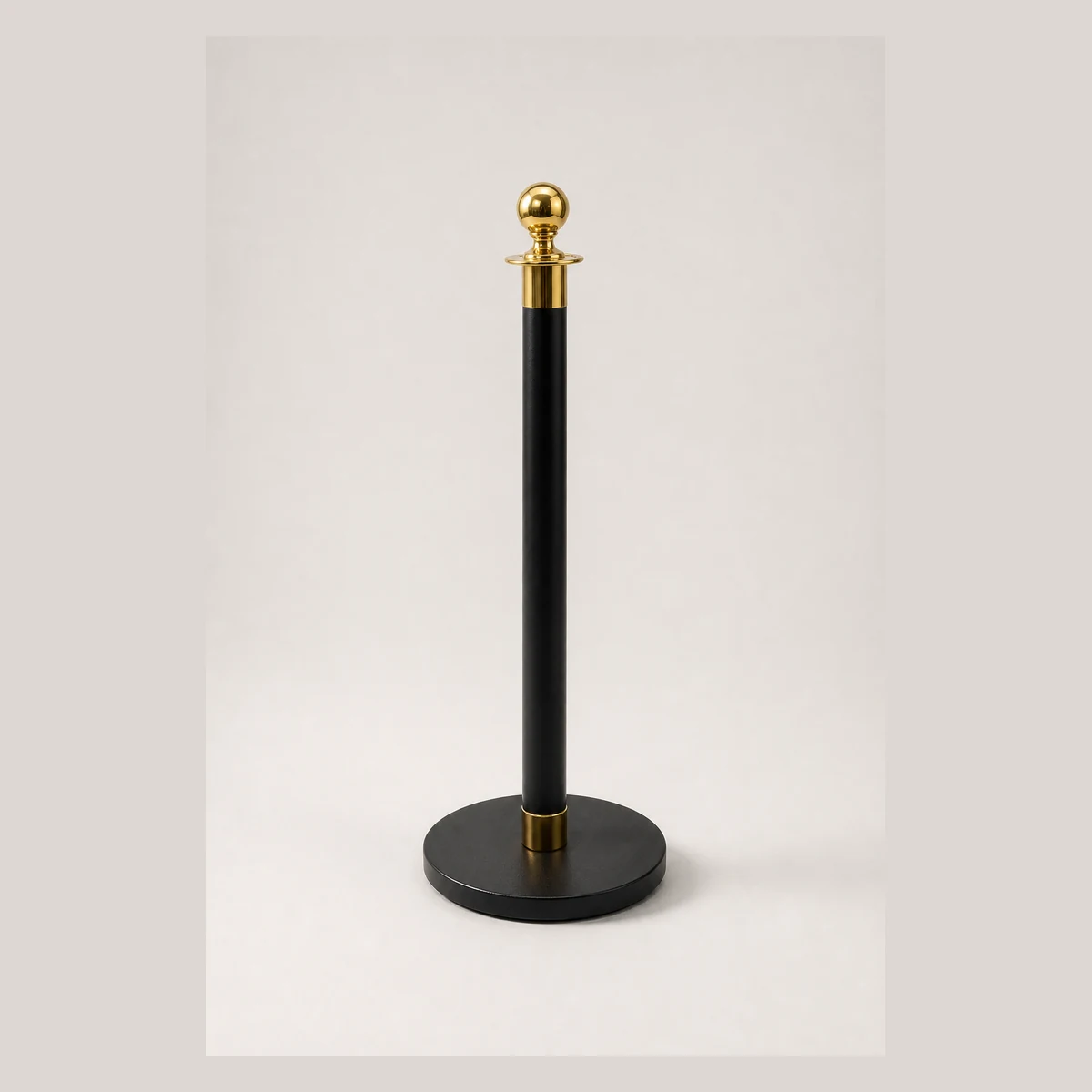
Belt Post
Belt post. SIZE: DIA.32 CM Height 900 MM; Colour: Black/mirror-finish stainless steel/Gold/Brushed steel/Blue; Belt length: 2M/each. Formal quotation available based on use, specifications and quantity.
- SIZE
- DIA.32 CM Height 900 MM
- Colour
- Black/mirror-finish stainless steel/Gold/Brushed steel/Blue
- Belt length
- 2M/each
Continue with closely related procurement topics
These pages share equipment, operating or decision-stage signals with this guide.
Shop display layout for seasonal products Hong Kong
GotGear presents a shop display layout for seasonal products Hong Kong covering zones, circulation and replenishment. Follow the retail display changeover checklist Hong Kong to sequence stock, fixtures and handover.
Read the guide
Event recycling and queue management Hong Kong
GotGear covers event recycling and queue management Hong Kong and links peak forecasts and disposal points with queue barrier layout for Hong Kong registration events and exhibition registration flow planning Hong Kong.
Read the guide
How many recycling bins does a Hong Kong office need
GotGear explains how many recycling bins does a Hong Kong office need, covering collection frequency and zone sizing, plus office recycling station setup Hong Kong and clean recycling bin placement in Hong Kong offices.
Read the guide
Where should waste containers be placed in a Hong Kong commercial kitchen
Where should waste containers be placed in a Hong Kong commercial kitchen? This GotGear guide explains how to map prep, service, wash-up and refuse flows and how to check access, cleaning and collection.
Read the guide