
Computer trolley Hong Kong — Hold the specified devices in usable positions while keeping cables, ventilation and movement under control. Confirm dimensions, load limits, electrical instructions and adjustment ranges for the proposed model, then test it against the route and user group.
Computer trolley Hong Kong — List devices, peripherals and user positions
Build an enquiry pack that starts with a full device list. Name the computer, display(s), docking station, printer/label printer, barcode/RFID reader, speakers, webcam, UPS or battery module, and any storage required. Record external dimensions, VESA pattern, and the combined mass with cables. Note port locations and plug sizes so the supplier can propose correct mounts, shelves and cable pathways. When specifying a computer trolley Hong Kong, teams should include network needs (Wi‑Fi only or RJ45 point), and whether peripherals must be hot-swapped during shifts.
Define user positions and working posture. State if work is standing, seated, or mixed, the typical task sequence (data entry, scanning, printing), and whether gloves are worn. Provide example anthropometrics (such as a target elbow height range) only as a starting point and ask the supplier to confirm final adjustment ranges in writing for the proposed model. Request drawings with labelled dimensions for monitor height/tilt, keyboard/mouse platform angle, handle height, shelf size, and maximum distributed and point load ratings. Ask for the stated model specifications and the formal written quotation to prevail over all summaries, and for any bilingual labelling options if the trolley will be shared across departments or venues.
Computer trolley Hong Kong — Plan power, charging, cable control and security
Plan power by duty cycle. If plugging into venue mains, request a specification for the internal PDU, surge protection if offered, and cable restraint to prevent trip hazards. If mobile operation is required, ask for an option analysis: sealed battery with inverter, hot‑swap packs, or hand‑tool style chargers. Provide an example power budget (e.g., 150–300 W total draw during peaks) only as a starting point and ask the manufacturer to confirm runtime, charger type and ventilation requirements in writing. State socket type (Hong Kong BS 1363, 220–240 V, 50 Hz) and whether any venue, insurer or competent person requires additional electrical instructions.
Keep cables controlled. Specify trunking or raceways, grommeted pass‑throughs, strain relief at device and PDU ends, and colour‑coded or labelled looms. Request a cable map showing lengths and connector types, plus how slack is managed when shelves move or screens tilt. Security should match the risk: lockable IT bay, keyed‑alike where appropriate; anchor points for Kensington‑style locks; and options for tamper‑evident seals for public events. For any onboard batteries, ask for the manufacturer’s handling and charging guidance and any safety information they provide for transport or storage, where applicable to the model and venue rules.
What should buyers compare for computer trolley Hong Kong?
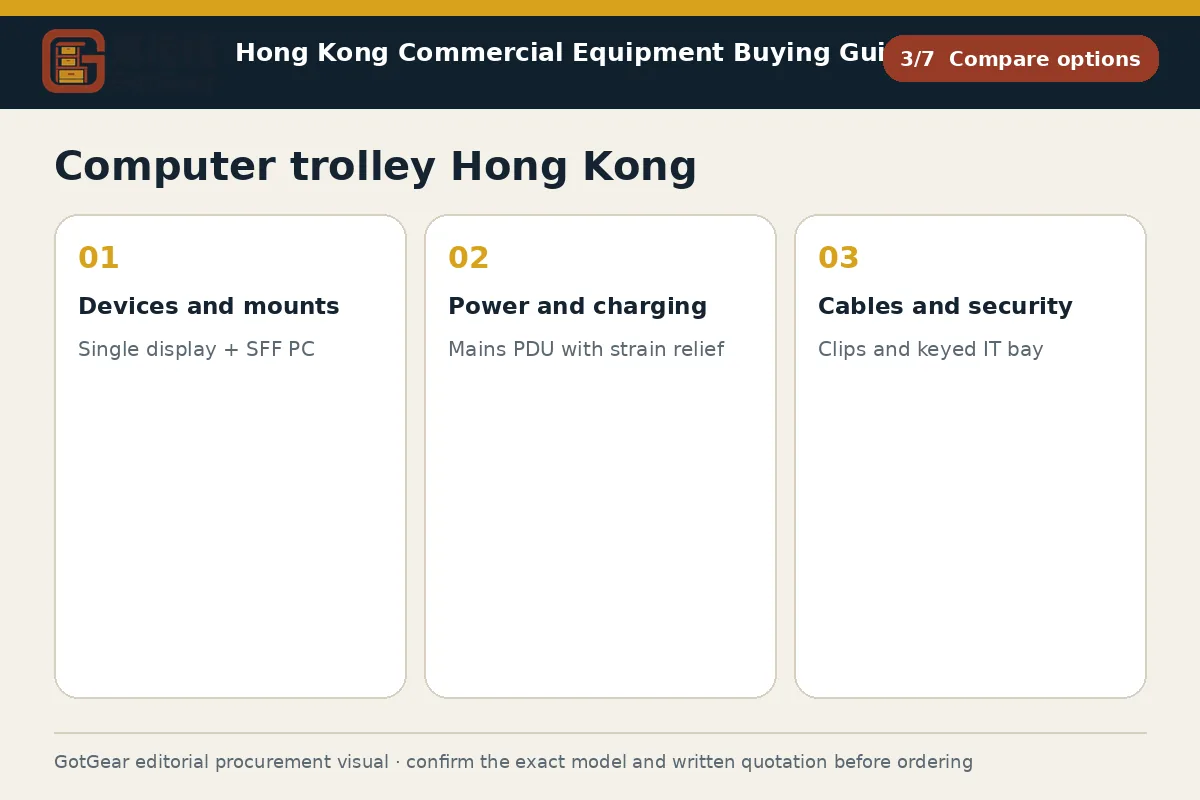
| Criterion | Straightforward requirement | More complex requirement | Evidence to provide |
|---|---|---|---|
| Devices and mounts | Single display + SFF PC | Dual displays + printer + scanner | Device list, masses, VESA pattern, dimensions |
| Power and charging | Mains PDU with strain relief | Battery/inverter with hot‑swap plan | Peak/average watts, runtime target, socket type |
| Cables and security | Clips and keyed IT bay | Concealed raceways, keyed‑alike, Kensington points | Cable map, connector types, keying preference |
| Adjustment and ventilation | Fixed height, passive vents | Sit‑stand lift, fan tray if allowed | User heights, adjustment ranges, airflow notes |
| Route and parking | Wide corridors, simple parking | Tight lift/turns, defined charging dock | Route sketch, widths, lift data, power at bay |
This framework helps buyers create comparable written enquiries. Final model specifications, availability, delivery and commercial terms must be confirmed in a formal quotation.
Computer trolley Hong Kong — Define adjustment, ventilation and access requirements
Define adjustment to fit users and tasks. State required monitor movement (height, tilt, swivel, rotation), keyboard/mouse platform tilt and extension, and whether sit‑stand is essential. If dual displays or scanners need articulation, request arm reach and torque limits. Provide example ranges only as a brief (for instance, an indicative 200–300 mm display height travel) and ask the supplier to confirm final figures and load limits for the quoted trolley, with drawings. Note if left‑handed mouse use, document viewing angles, or glare control are relevant to your space.
Ventilation and access protect uptime. If a small‑form‑factor PC or switch will be enclosed, request perforated panels, clear inlet/outlet paths, and whether fan trays are available if permitted by the model and site. In humid conditions, prefer corrosion‑resistant finishes and ask how cleaning chemicals used by your team may affect surfaces or anti‑microbial coatings, if specified by the model. Define access: front‑use doors, rear‑service panels, and tool‑less entry where needed. Mark cable entry points, service clearances, and where dust filters or screens can be removed without dismantling other equipment. Ask for any manufacturer maintenance instructions relevant to the quoted configuration.
Computer trolley Hong Kong — Check route dimensions, stability and parking
Walk the route before you buy. Measure doorways, corridor pinch points, thresholds, ramps and the goods‑lift car, door and call‑button positions. Provide the tightest clear width and height, any turn on or off the lift, and floor transitions. If turns are tight, request the trolley’s footprint, wheelbase, caster swing and stated minimum turning circle; this helps you discuss trolley turning radius in Hong Kong, and other considerations with building management. Record floor materials (tile, concrete, timber, carpet) so wheel material and diameter can be proposed for noise, grip and wear.
Stability and parking are as important as mobility. Ask for the centre of mass location with your loadout, wheel diameter and tread, swivel and directional locks, and whether anti‑tip measures are available for tall monitors. Provide example slopes or thresholds only as a brief reference and ask the supplier to confirm safe gradients for the quoted model. Define a parking bay with a charging outlet, cable management and signage. If you are also comparing an equipment trolley used by teams in Hong Kong for AV or test gear, keep route sketches and docking needs consistent. For training, reference material handling ergonomics in Hong Kong — guidance so push forces and handle heights suit your users, and consider whether an alternative, a mobile workstation trolley in Hong Kong, would better serve longer data‑entry tasks.
Computer trolley Hong Kong decision checklist
Confirm a complete device and peripheral list with dimensions, mass and port locations, then state user posture, task sequence and any glove use. Choose a power strategy—mains or battery—by duty cycle and confirm runtime, PDU details and charging arrangements in the written quotation. Specify monitor, keyboard and accessory adjustments, plus ventilation and service access. Measure the route, lift and parking bay and request the trolley footprint, caster details and turning circle. Ask for drawings with labelled dimensions, load ratings and cable paths, in English and Chinese if shared across teams. Before approval, compare quotations line by line against the brief, and on receipt inspect structure, mounts, casters, brakes, locks and electrical accessories against the supplier’s signed specification.
Practical action sequence
- Operating use, quantity and expected frequency
- Dimensions, capacity, material and accessory requirements
- Delivery address, floor, goods lift and loading window
- Required documents, acceptance checks and after-sales arrangements
Apply the checks to your Hong Kong site
Hong Kong sites often involve tight goods‑lifts, shared loading bays and scheduled access windows. Coordinate with the management office for lift bookings, delivery timing and temporary protection for lobbies and corridors. Many facilities use BS 1363 13 A sockets and may limit trailing leads; confirm available power at parking and work areas. Humid coastal conditions can affect finishes and connectors, so request guidance on materials and cleaning from the manufacturer. For public venues and schools, bilingual labelling and user instructions are frequently requested; check any venue‑specific documentation standards. Always follow the written model specification and the building or event organiser’s directions.
Questions about computer trolley Hong Kong
Do we choose mains power or battery for a shared IT trolley?
Pick mains if work happens near reliable sockets and cables can be controlled safely; choose battery when mobility and cable‑free operation are essential. Estimate peak and average load, runtime and charge time, then ask the manufacturer to confirm compatible battery options and ventilation. Venue or insurer rules may influence the choice, so include them in the written brief and require confirmation in the quotation.
What caster size and tread work best across tile, concrete and thresholds?
Larger, softer tread casters usually roll quieter and easier across mixed floors and small thresholds. As an example starting point, you might explore 125 mm thermoplastic rubber with precision bearings, but the supplier must confirm stability, load rating and fit for your route and trolley footprint in writing. Ask for swivel locks or a directional lock if long, straight pushes are common.
Can one trolley suit both seated and standing users across shifts?
Yes, if you specify genuine height adjustment for displays and keyboard/mouse platforms and request confirmed ranges in the supplier’s drawing. Sit‑stand columns or gas‑spring monitor arms often help, but final suitability depends on the quoted model’s limits, user heights and tasks. Validate at a site trial with representative users, and document accepted handle heights and push forces for approval.
What’s the difference between a computer trolley and a mobile workstation trolley Hong Kong — often compared by local buyers?
A computer trolley focuses on housing IT devices safely with manageable cabling and power, often lighter and narrower for tight routes. A mobile workstation variant may add larger work surfaces, storage and heavier power options for extended data entry. Choose by task duration, route constraints and power plan, and have the supplier confirm dimensions, mass and load limits for your configuration.
Compare available product models and specifications
These product cards are matched to this buying topic. Select a specification and quantity to send the product details to WhatsApp.
 Material Handling & LogisticsProduct reference image
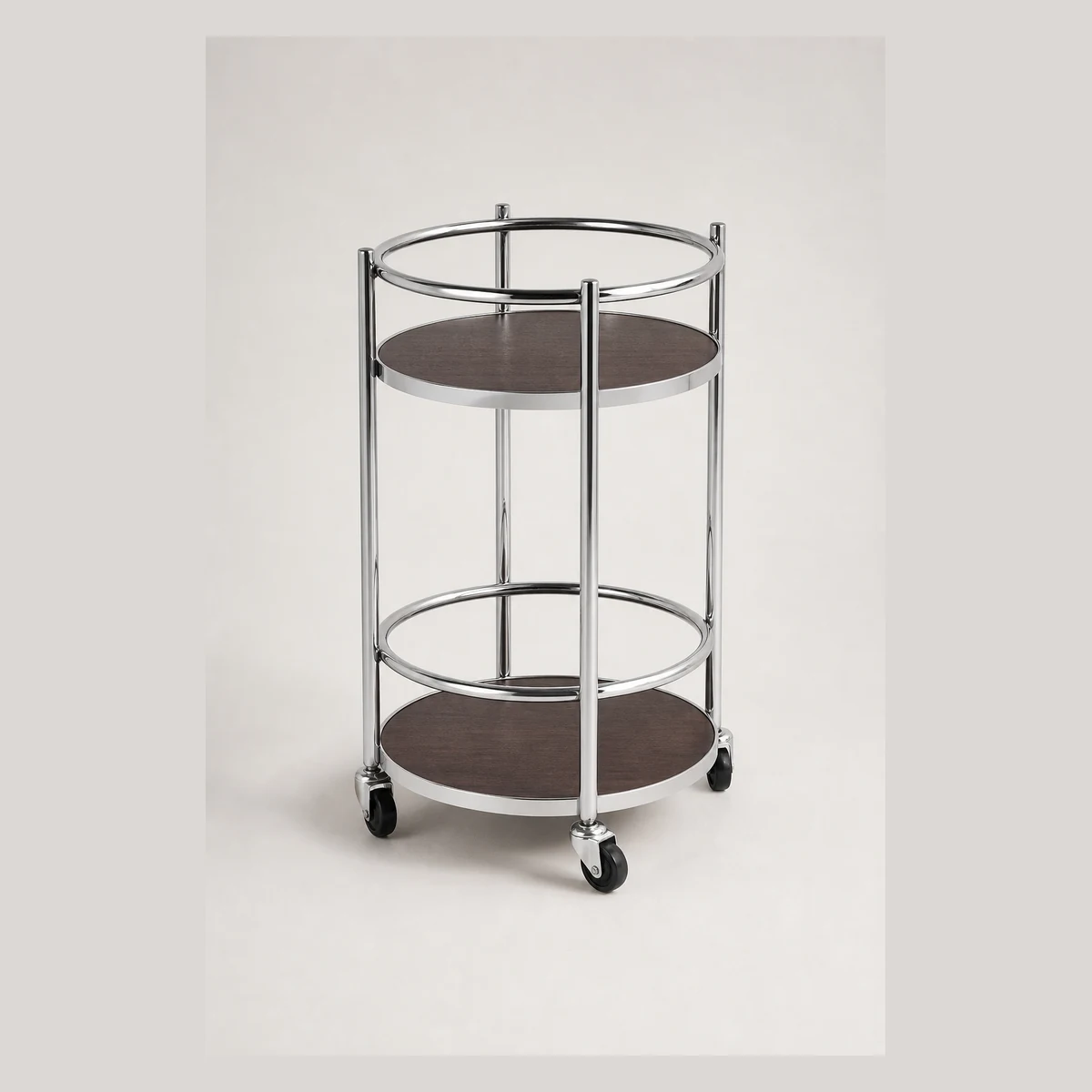
2-tier round serving trolley (stainless steel)
Two-tier stainless steel round serving trolley with a woodgrain top, overall size 40xH68cm. Two circular shelves provide staging for dishes or equipment. Enquire with GotGear for written confirmation based on the application, specification and quantity.
- Model
- JRA061-A
- Number of tiers
- Two tiers
- Shape
- Round
 Material Handling & LogisticsProduct reference image
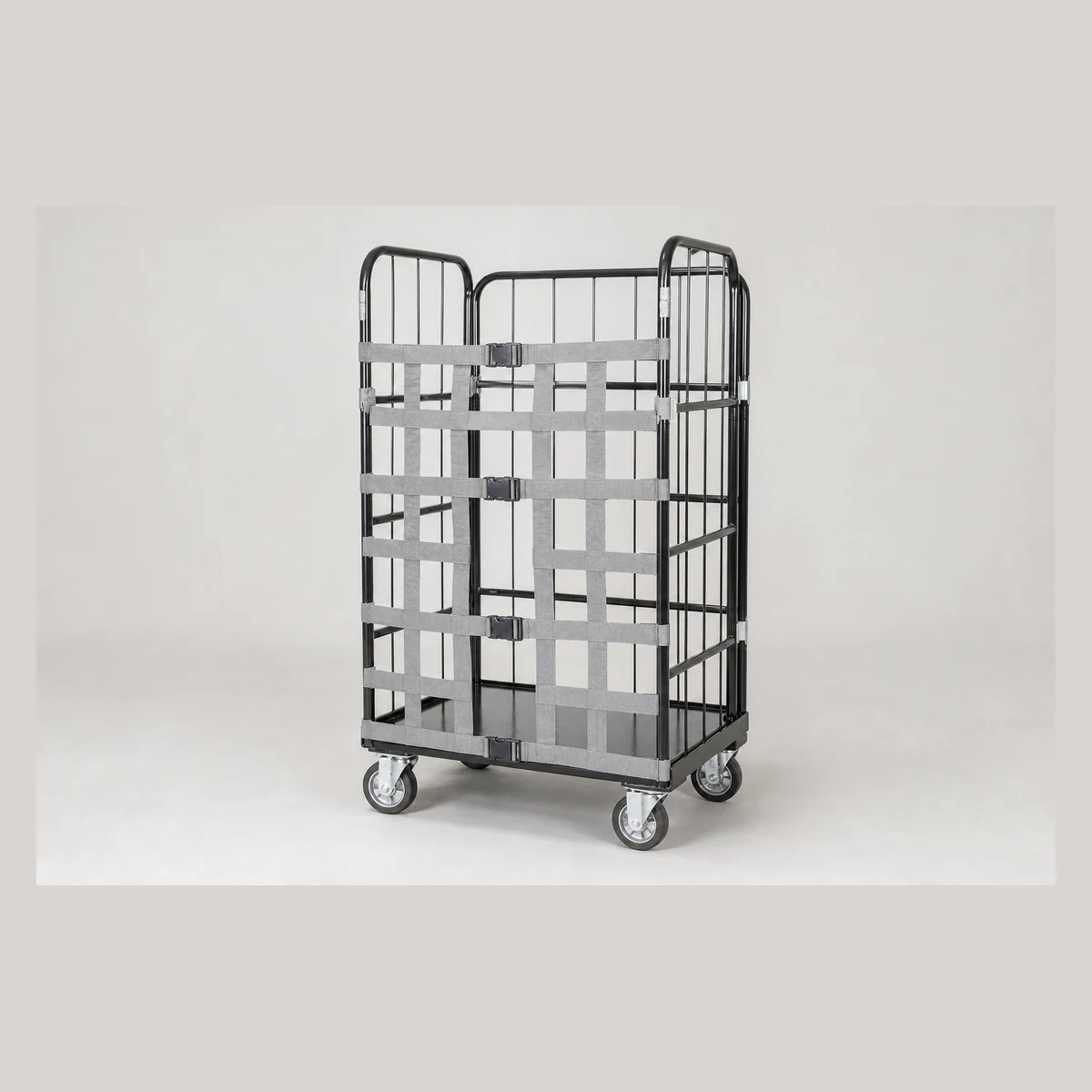
Nylon Buckle Strap for Cage Trolley
Nylon buckle strap for cage trolleys—width approx 86-116cm and height approx 113CM. Velcro on both sides with a central safety buckle; length adjustable and fits small and large cage trolleys. Enquire with GotGear for written confirmation based on the application, specification and quantity.
- Model
- N5
- Dimensions
- Width approx 86-116cm / Height approx 113CM
- Material
- Nylon
 Material Handling & LogisticsProduct reference image
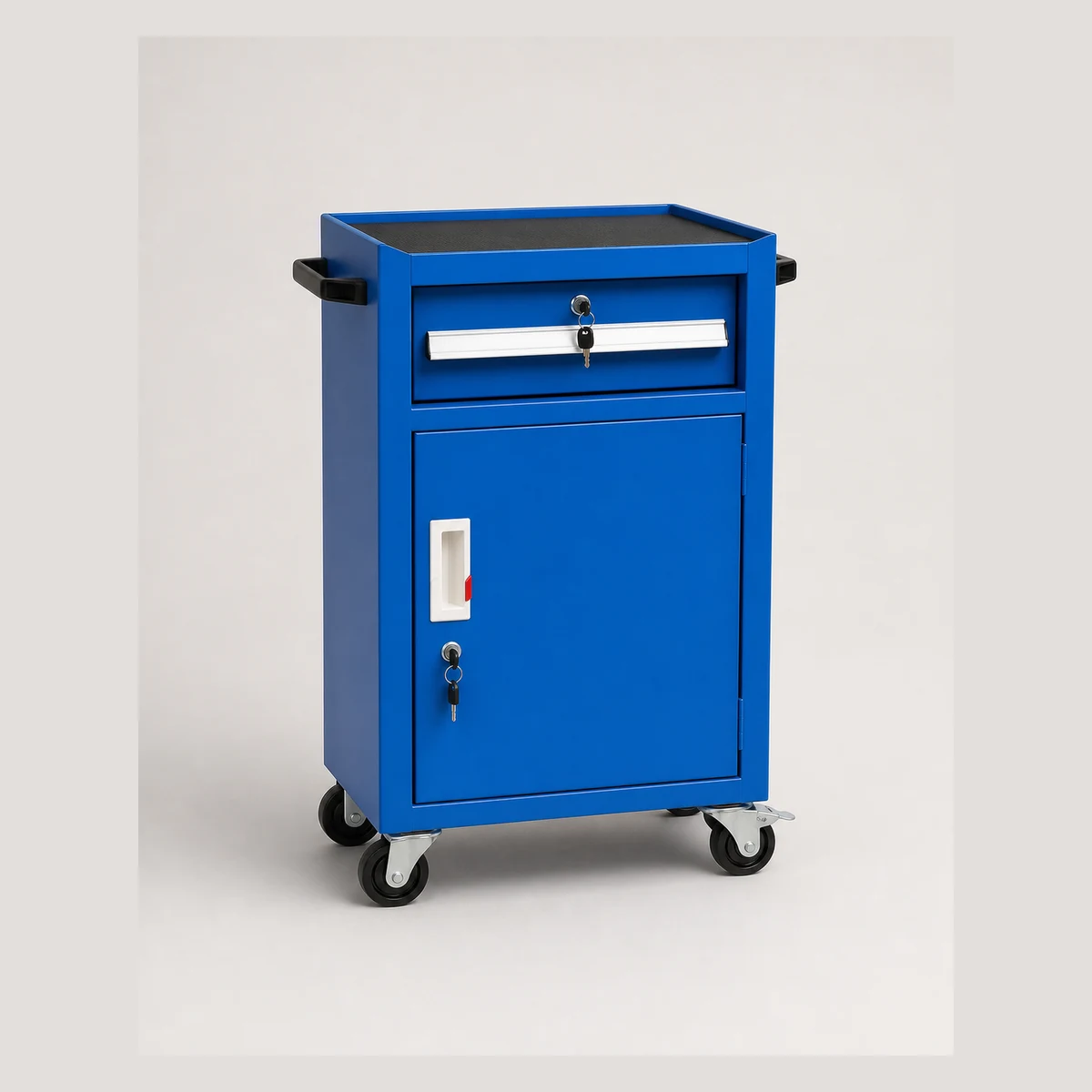
Tool trolley
Compact tool trolleys offered in single/double drawer and single/double door configurations with 3" wheels; sizes range from L400xW420xH700mm to L800xW420xH1060mm. Enquire with GotGear for written confirmation based on the application, specification and quantity.
- Model
- JRA031-A / JRA031-B
- Configuration
- Tool trolley (single drawer single door) 3" black wheels / Tool trolley (single drawer double door) 3" black wheels
- Dimensions
- L400xW420xH700mm / L630xW400xH810mm
 Material Handling & LogisticsProduct reference image
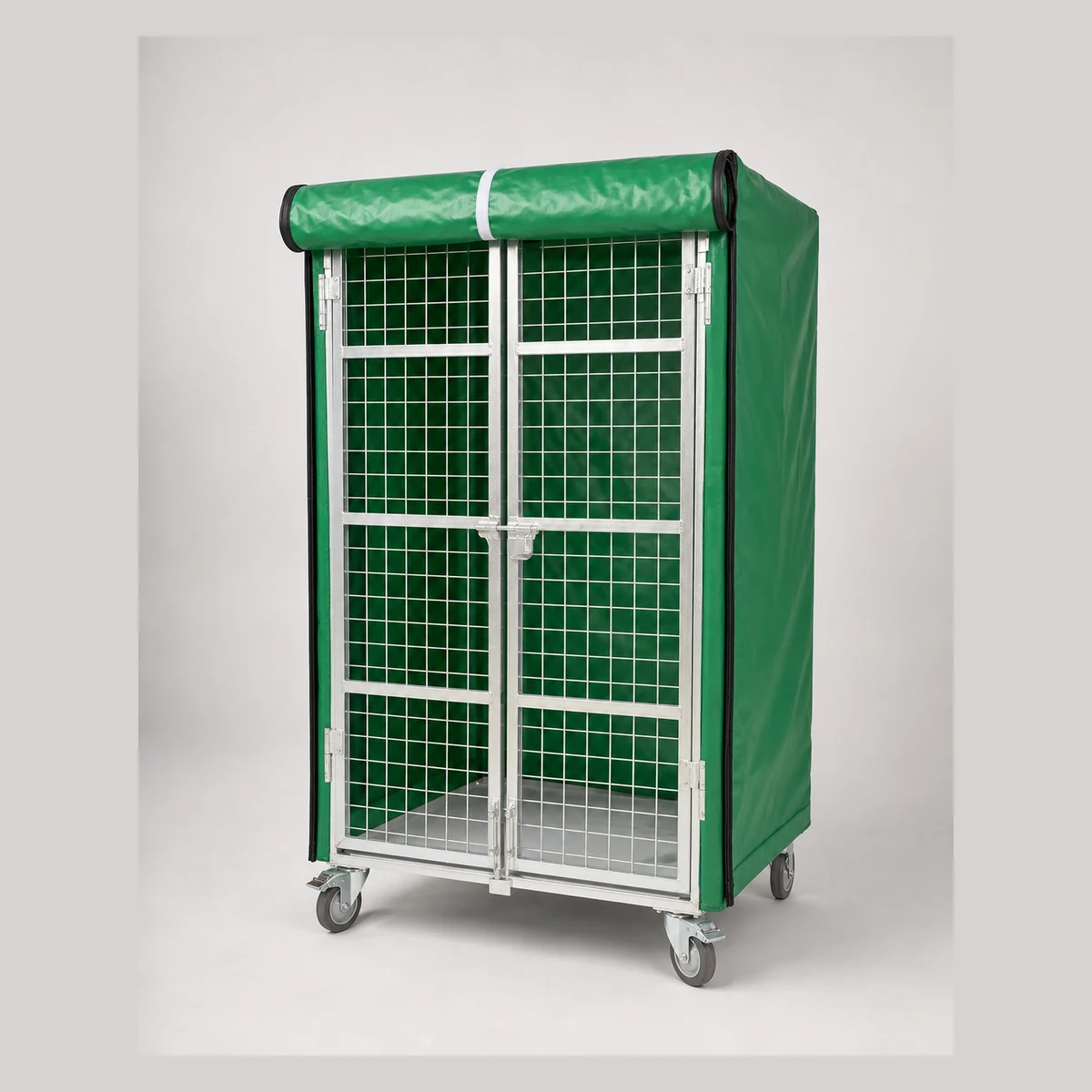
Trolley cage cover
Trolley cage cover for enclosing logistics trolleys. Model S8935-A fits cages 850 x 650 x 1700mm; S8935-B fits 1100 X 800 x 1700mm. Custom sizes can be made. Enquire with GotGear for written confirmation based on the application, specification and quantity.
- Model
- S8935-A / S8935-B
- Compatible cage size
- 850 x 650 x 1700mm / 1100 X 800 x 1700mm
- Customisation
- Custom sizes can be made upon request
 Material Handling & LogisticsProduct reference image
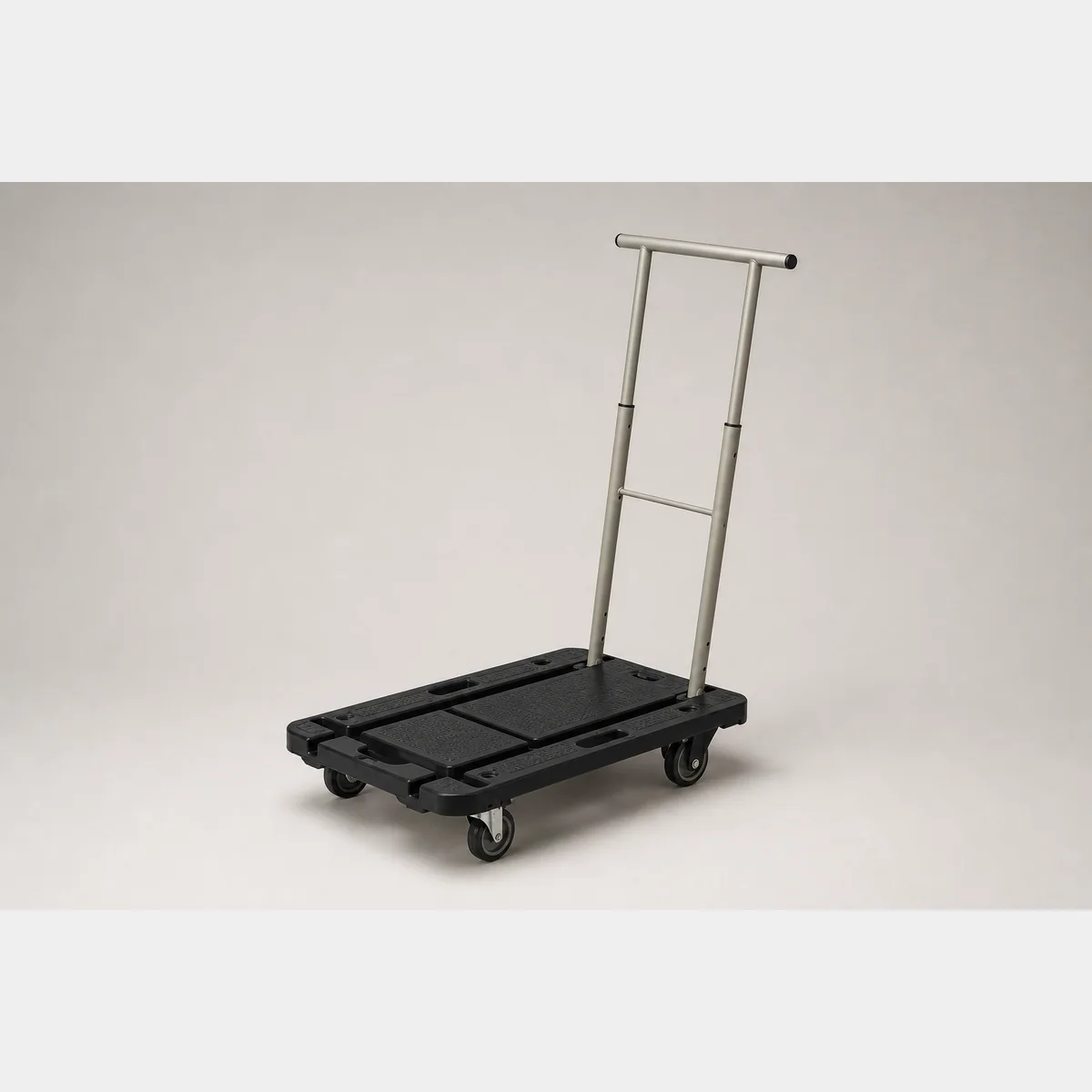
2-in-1 Hand Trolley
2-in-1 hand trolley, Dimensions/Specification: L600xW390xH820 mm; Formal quotation available based on application, specifications and quantity.
- Dimensions/Specification
- L600xW390xH820 mm
 Material Handling & LogisticsProduct reference image
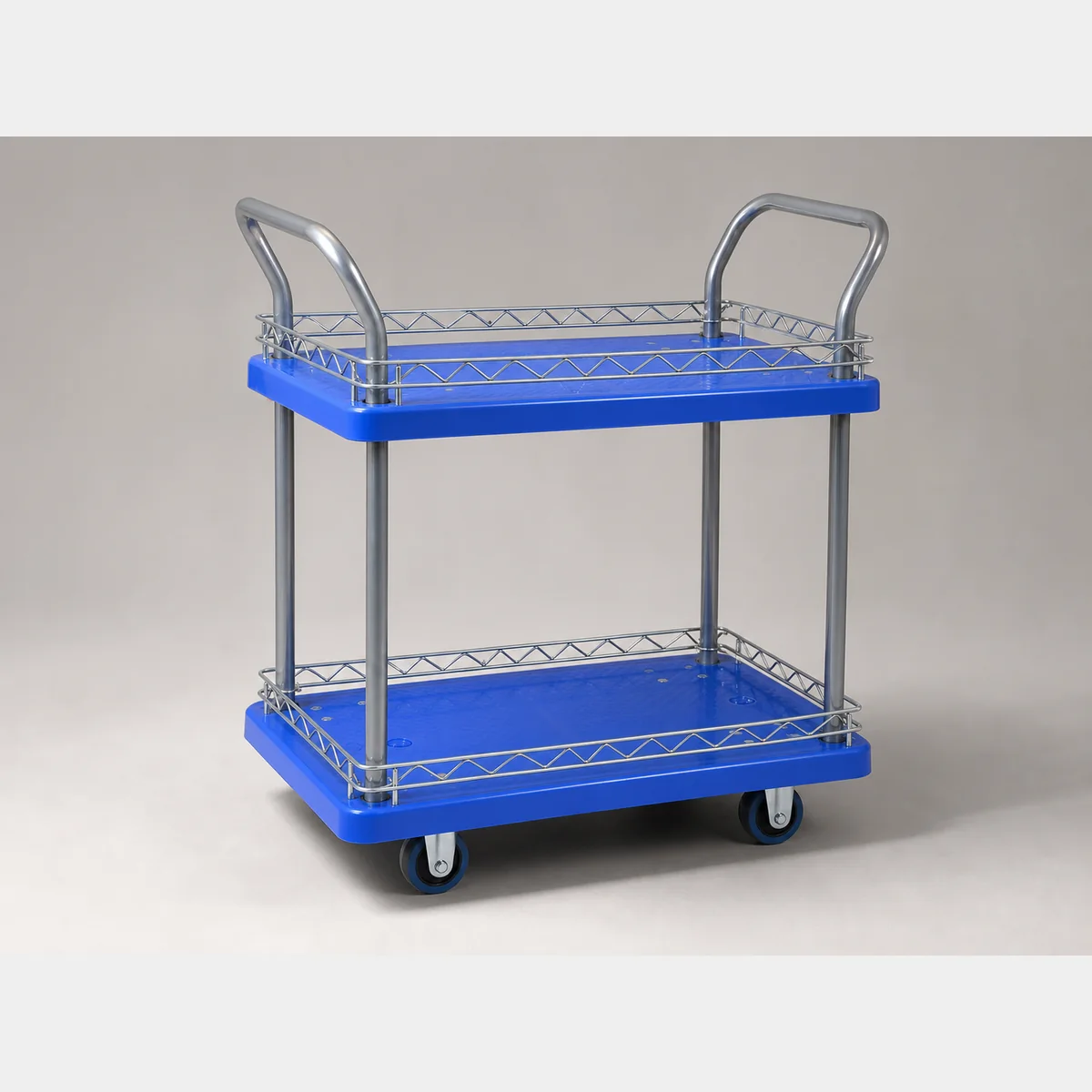
2-tier silent plastic trolley (with side guard rails)
2-tier silent plastic trolley (with side guard rails). (A) Dimensions: L730 X W480 X H950 MM; Net weight: 14.5kg *castor: 100 MM / 17.5kg *castor: 130 mm; Load capacity 150kg *shelf clearance: H550 MM. Formal quotation available based on application, specifications and quantity.
- (A) Dimensions
- L730 X W480 X H950 MM
- Net weight
- 14.5kg *castor: 100 MM / 17.5kg *castor: 130 mm
- Load capacity 150kg *shelf clearance
- H550 MM
 Material Handling & LogisticsProduct reference image
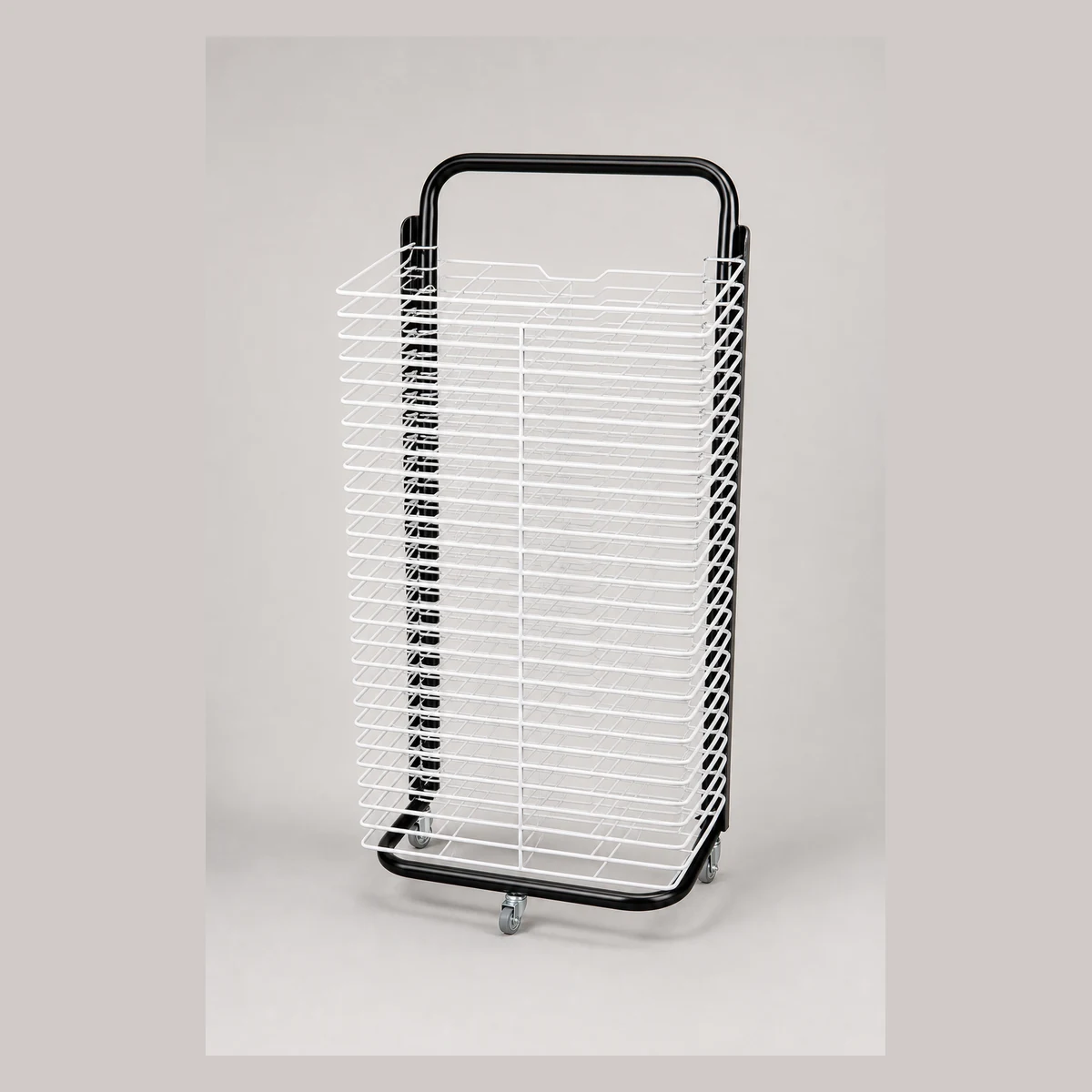
25-tier drawing drying trolley
25-tier drawing drying trolley for holding and drying drawings; height 97cm and 25 tiers for organised storage. Enquire with GotGear for written confirmation based on the application, specification and quantity.
- Model
- S8943-A
- Number of tiers
- 25 tiers
- Height
- 97cm
 Material Handling & LogisticsProduct reference image
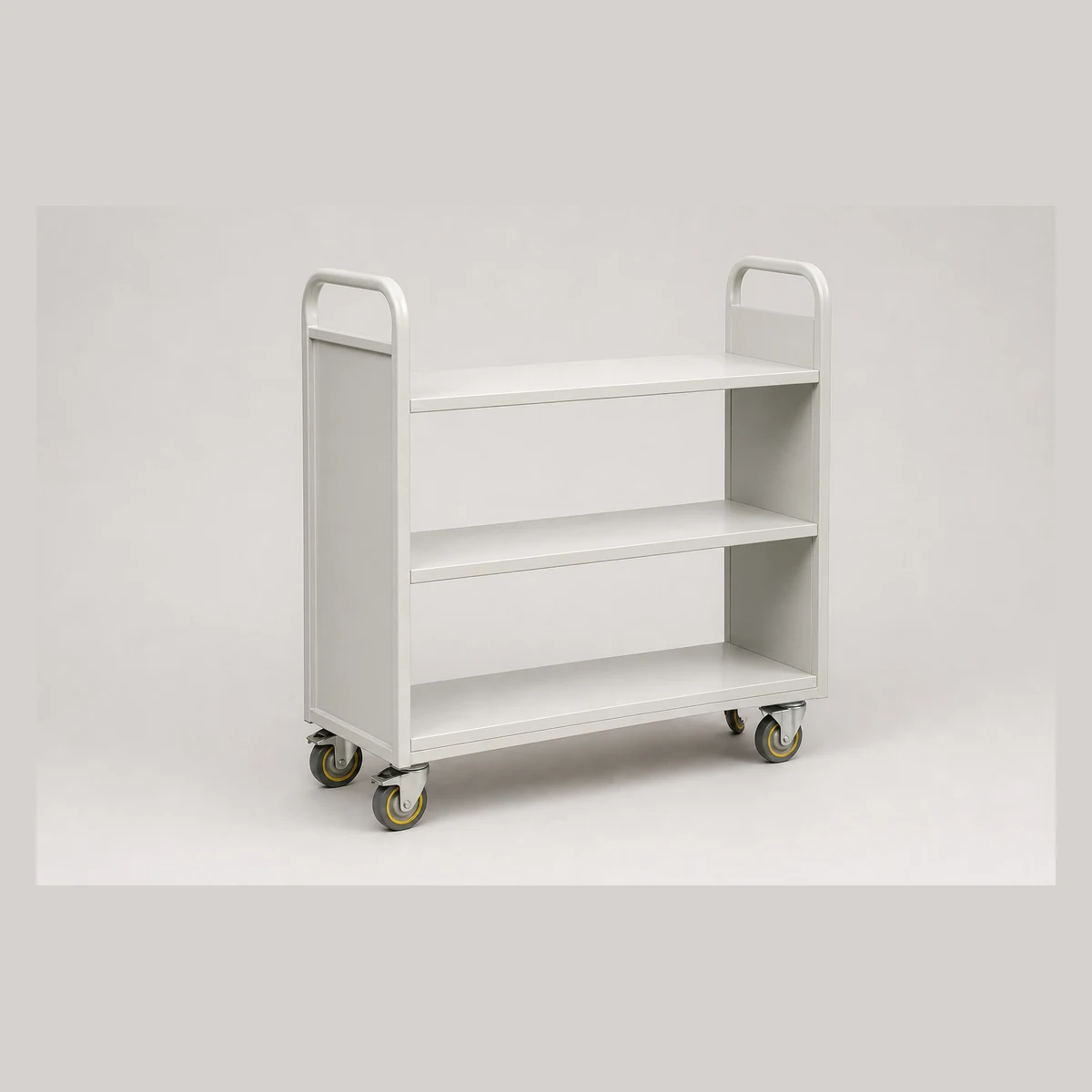
3-tier book trolley
3-tier book trolley with two options: flat-shelf version L800xW360xH900mm and V-shaped version L800xW360xH1150mm; grey finish with 3-inch castors. Enquire with GotGear for written confirmation based on the application, specification and quantity.
- Product code
- JRA002 / JRA002-A
- Configuration
- 3-tier flat-shelf book trolley / 3-tier V-shaped book trolley
- Dimensions
- L800xW360xH900mm / L800xW360xH1150mm
Continue with closely related procurement topics
These pages share equipment, operating or decision-stage signals with this guide.
Library book trolley Hong Kong
Use the GotGear procurement guide to compare capacity, dimensions, wheels and brakes, noise, route clearance and lift and aisle measurements. It helps buyers choose the right library book trolley Hong Kong for their facility.
Read the guide
Drum trolley Hong Kong
This quotation checklist helps facilities and EHS teams plan for drum trolley Hong Kong. It guides you on drum size, filled mass, orientation, pickup method, retention and route conditions, and is provided by GotGear.
Read the guide
Gas cylinder trolley Hong Kong
GotGear's checklist for a gas cylinder trolley Hong Kong outlines key considerations such as cylinder size, filled mass, valve guards, correct loading, safe gradients, and checks with the trolley manual and site rules.
Read the guide
Panel trolley Hong Kong
GotGear offers a practical guide to panel trolley Hong Kong that helps facilities record dimensions, mass, surface finishes, support angles, contact materials, retention methods and route clearances.
Read the guideRelated topic indexOpen more English procurement pages2 topics
Browse additional equipment families, applications and procurement questions relevant to these operating requirements.